Read faster
Adjust your pace and move through articles, notes, and long-form text with less friction and more momentum.


Lextura is a modern speed reading app for iPhone, iPad, and Mac that helps you move through text faster while staying engaged. Using native Apple eye tracking, Lextura pauses automatically when your attention leaves the screen and resumes when you return, focused reading without fighting distractions.
Built for readers, students, and professionals who want to finish more without fighting distractions.
Adjust your pace and move through articles, notes, and long-form text with less friction and more momentum.
With native eye tracking, Lextura pauses when you look away and resumes when you return, automatically.
A clean, minimal reading interface keeps your attention on the words, not the chrome around them.
Real screens from Lextura: onboarding, focused reading, and the in-app guidance that explains the attention-aware workflow.
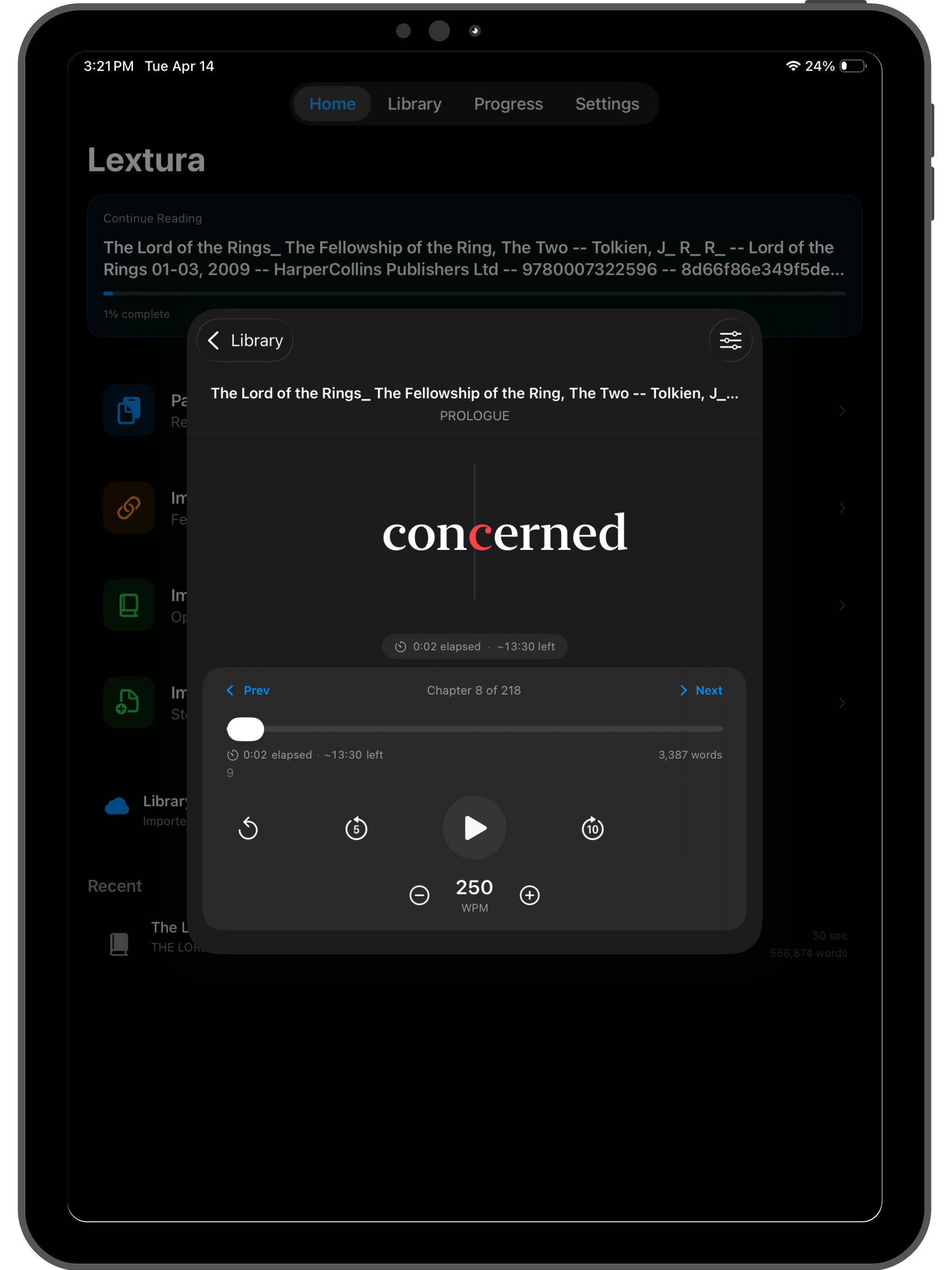
The iPad layout keeps the reading surface clean while still showing progress, controls, and your library context nearby.
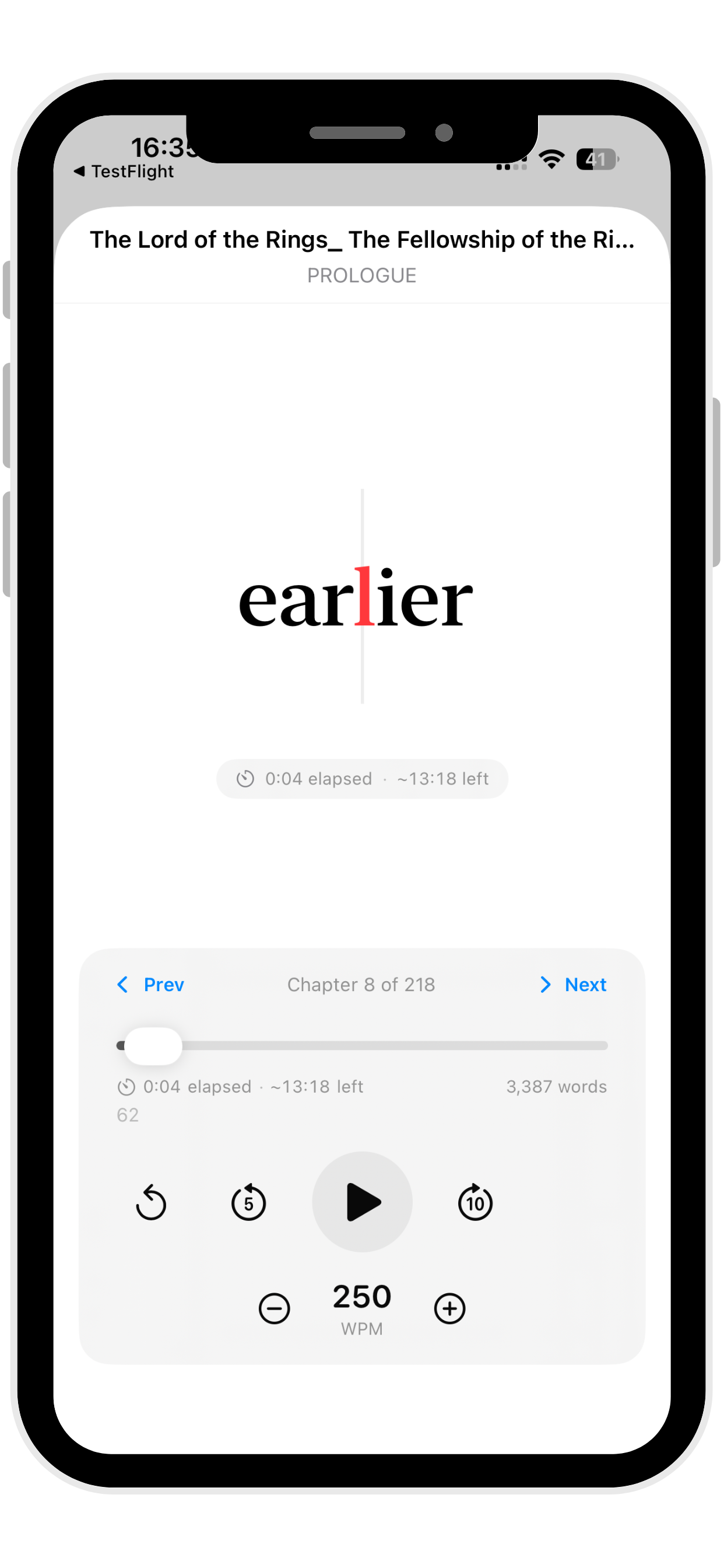
A stripped-back interface keeps your place visible and makes it easier to dip in, read, pause, and continue without friction.
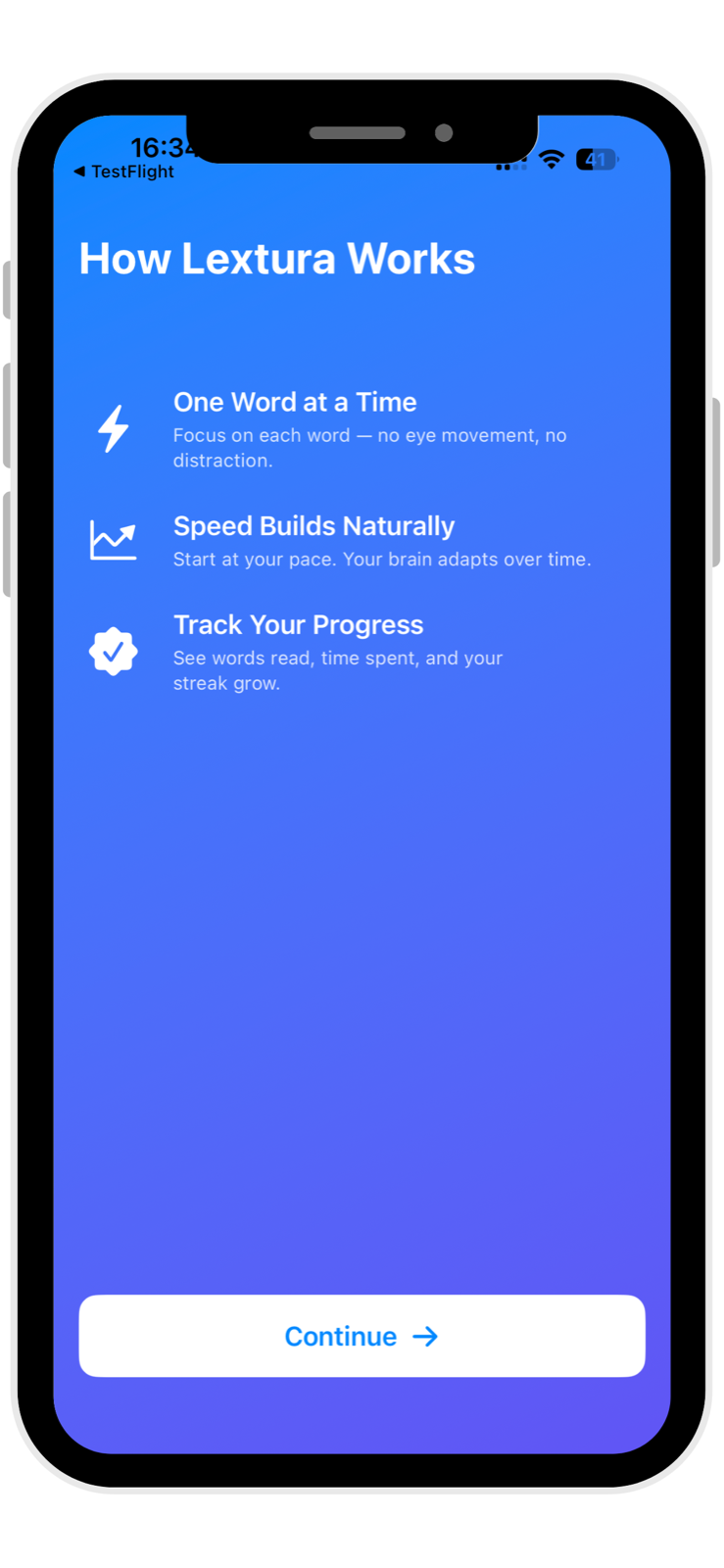
The onboarding flow frames Lextura as a serious reading tool: one word at a time, speed that builds naturally, and progress you can track.
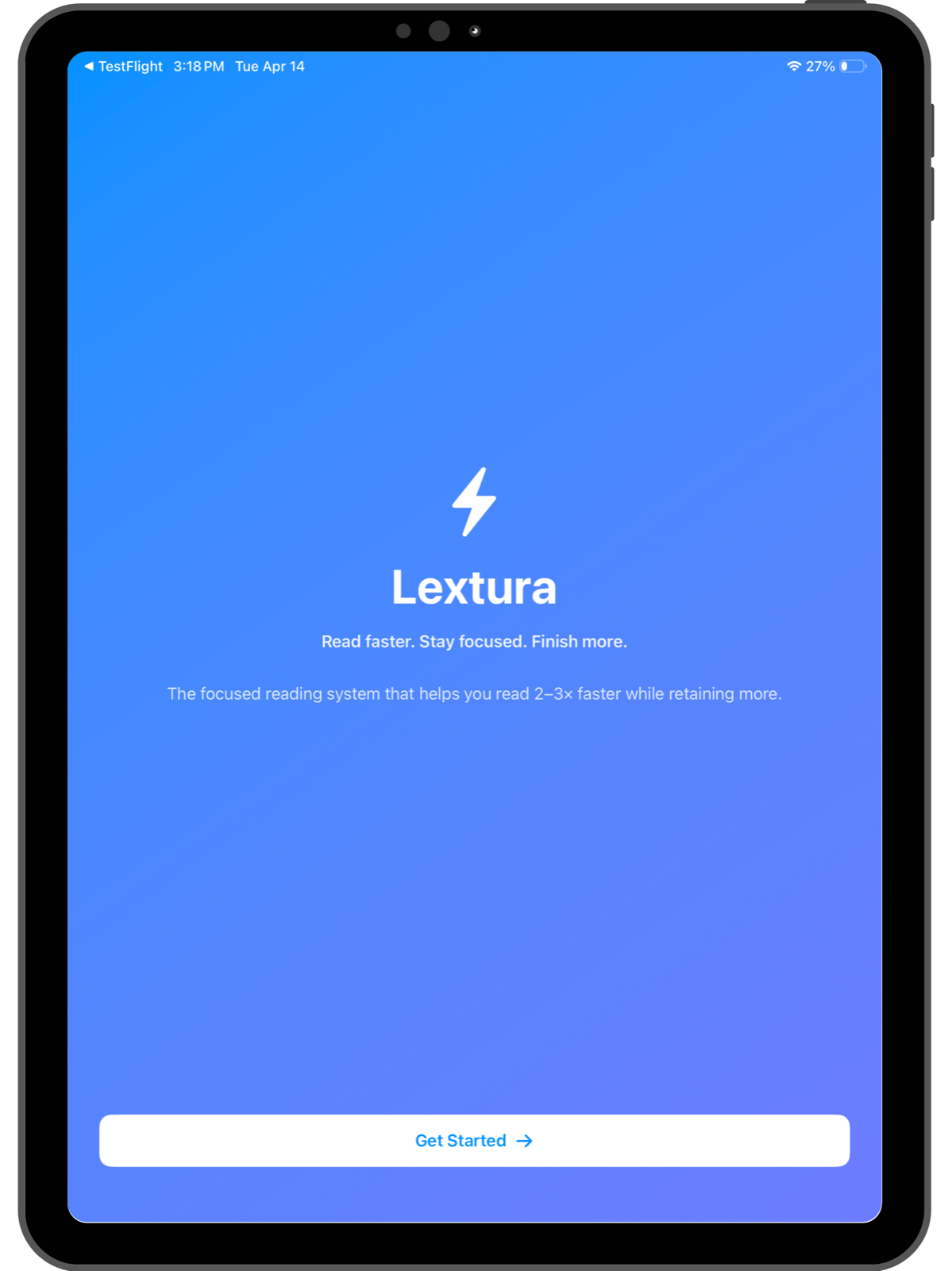
The opening screen establishes the tone immediately: fast reading, better focus, and a quiet interface that feels at home on Apple devices.
A lot of reading apps help you move words faster across the screen. Very few help you stay with the material.
Real reading breaks down when your attention drifts, notifications pull you away, or you lose your place mid-session. That is where Lextura is different.
Lextura is designed not just to help you read quickly, but to help you maintain momentum, reduce friction, and keep moving through the content you actually want to finish.
"Stop leaving articles half-finished. Start making steady progress through your reading list, one focused session at a time."
Lextura, by Polyphasic DevelopersLextura uses native eye tracking to make reading sessions feel more natural, and to keep your place when life interrupts.
When your attention leaves the screen, playback pauses. When you return your gaze, reading resumes.
That means fewer lost moments, fewer manual pauses, and fewer times trying to remember where you were in the text.
This is especially useful when reading in short bursts, working through dense material, or trying to stay focused during study and work sessions.
Move through text at your chosen pace with a reading experience built for momentum and consistency.
Lextura responds when your attention leaves and returns, creating a seamless reading session that holds your place.
A clean layout reduces distraction and keeps the reading experience simple, the text is the focus, nothing else.
Bring in text you actually want to read, study notes, articles, reports, and other saved content.
A native experience across iPhone, iPad, and Mac. Designed for smooth, platform-consistent performance.
Lextura is built around helping you finish more, not just testing how fast you can read. Completion is the goal.
Get through notes, required reading, and study material at a better pace. The minimal interface keeps you in the text, not fighting the app.
Get through reports, documents, saved articles, and research more efficiently. Speed reading with eye tracking means fewer restarts.
If your reading list keeps growing and nothing gets finished, Lextura is built for short, focused sessions that actually make progress.
Attention-aware pause and resume means getting pulled away doesn't mean losing your place. Come back and Lextura picks up exactly where you left off.
Start with the content you actually need to read, articles, notes, documents, or anything worth your time.
Choose a reading speed that fits your comfort level and the density of the material you're working through.
Lextura keeps sessions moving and pauses automatically when your attention leaves the screen, no manual input needed.
Build momentum, maintain focus, and make real progress through your reading, session by session.
Most reading apps stop at playback controls and word speed. Lextura adds an attention-aware layer that makes fast reading more practical in real life.
Instead of treating reading like a stopwatch exercise, Lextura is built around focus, continuity, and completion. The goal is not just to read faster for a minute, it is to help you stay engaged long enough to finish what matters.
Lextura is a speed reading and focused reading app for Apple devices, iPhone, iPad, and Mac. It is designed to help you read faster while staying engaged with the text through RSVP-style playback and native eye tracking.
Lextura includes native eye tracking and attention-aware playback. It pauses automatically when you look away from the screen and resumes when your gaze returns, so you never lose your place, even when something interrupts you.
No. Lextura is also built for focused reading, maintaining session momentum, and helping users finish more articles, notes, and longer texts. You can set any pace that suits you, faster reading is a tool, not a requirement.
Yes. The minimal interface removes visual noise, and the attention-aware pause means a distraction pulling your eyes away does not mean losing your place in the text. Lextura is built around the way reading actually gets interrupted.
Yes. Lextura is a native Apple app available across iPhone, iPad, and Mac, delivering a consistent, platform-native reading experience on every device. Eye tracking availability depends on device hardware support.
Lextura is built for imported text, articles, study notes, research documents, reports, and any other long-form content you want to work through at pace.
Lextura is useful for students, professionals, researchers, and everyday readers who want to improve their reading focus and get through more content in less time. It is particularly helpful for anyone who reads in short, interrupted bursts throughout the day.
Lextura brings speed reading and attention-aware playback together in one native reading experience. If you want a better way to move through text without constantly losing momentum, this is where to start.