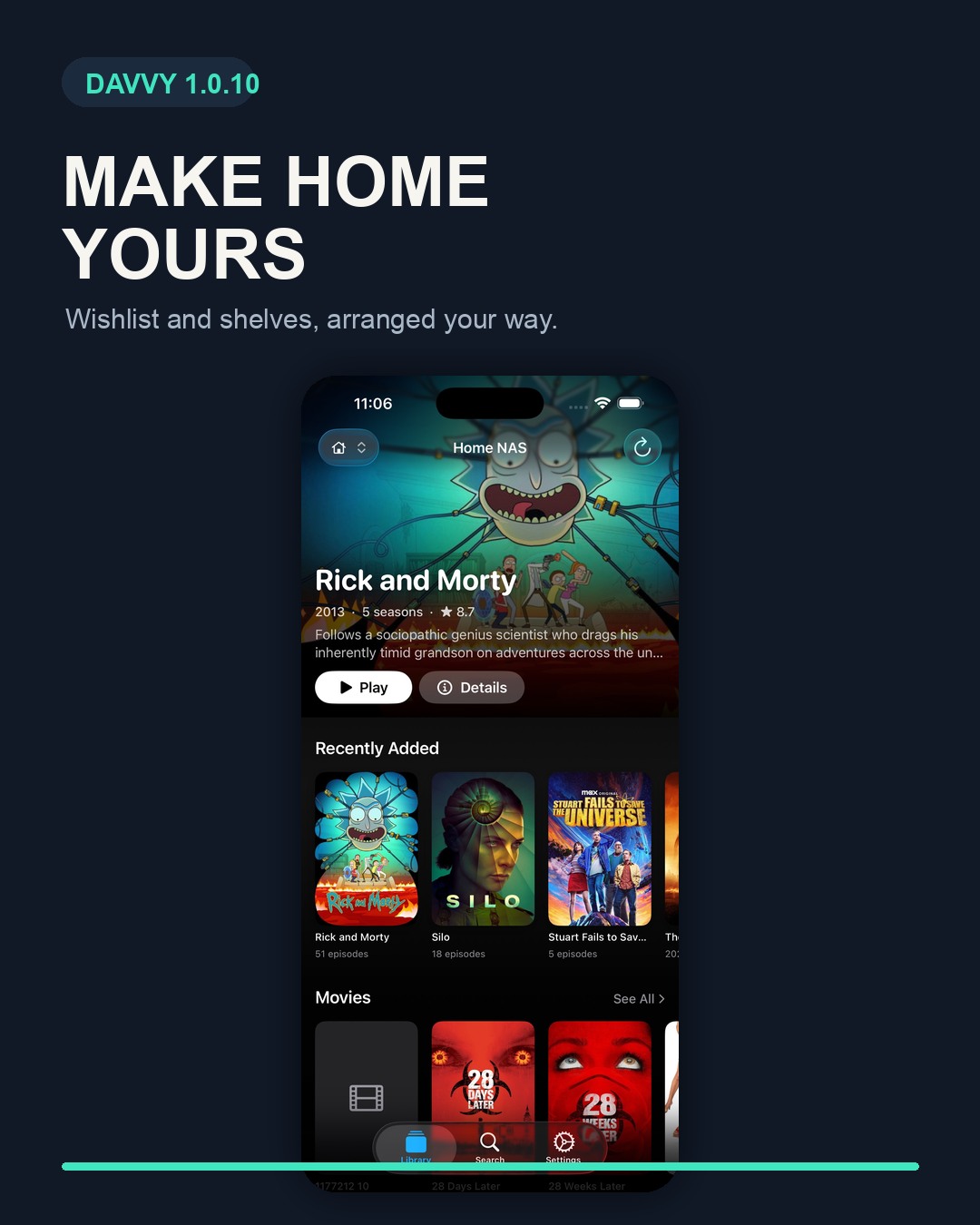
Release summary: Davvy 1.0.10 adds a wishlist that syncs through iCloud, Home shelf controls in Settings and hold-to-play at 2× on iPhone and iPad. The update is available from the App Store.
Finding something interesting and watching it are often separate jobs. Davvy now has somewhere to put the films and shows that catch your eye, without pretending that tonight is the night you will finally watch all of them.
The other changes are about control. Home can show the shelves you use in the order you prefer, while playback on iPhone and iPad gains both a quick 2× gesture and a speed menu.
Keep films and shows in a synced wishlist
Search for a film or show and add it to your wishlist. If you are already looking at a poster in your library, you can add the title from there instead. Davvy also lets you jot down a note, then edit or remove the title later.
The list syncs between iPhone, iPad, Mac and Apple TV through iCloud. Add something when you hear about it, then find the same list on the device you use when it is time to watch.
Davvy marks anything already on your server as being in your library. That gives the wishlist a useful distinction: titles you can play from your own collection and titles you still mean to find.
Choose which shelves appear on Home
Open Settings, then Home Screen to choose which shelves appear on Home and the order in which they are shown. The new Wishlist shelf is part of those controls.
Put the shelves you check most near the top. Move the occasional ones lower down. If you do not use wishlists, switch that shelf off and it disappears from Home. A feature does not earn permanent screen space merely by existing.
The setting is deliberately about the Home screen rather than the contents of your server. Changing the arrangement alters what Davvy shows there and in what order; it does not change the films and shows in your library.
Hold the video to play at twice the speed
On iPhone and iPad, press and hold the video to play it at twice the speed. Release your finger and Davvy returns to the speed you were using before.
The gesture suits short stretches where you want to move quickly without making 2× your permanent setting. Hold while you want the faster playback, then let go to carry on as before.
If the gesture is not useful to you, turn Hold to play at 2× on or off in Settings. The control is optional rather than another gesture you have to remember.
Choose a playback speed from the player menu
For a speed you want to keep using, open the player menu and choose it there. The menu is the better route when you do not want to keep a finger on the screen.
Both speed controls work with native playback and Davvy's built-in player for MKV and other supported video files. Use the menu for a continuing change; use the press-and-hold gesture for a temporary burst at 2×.
How to update Davvy
- Open Davvy on the App Store.
- Choose Update if it appears. If the button says Open, the current version may already be installed.
- Open Davvy and use search or a library poster to add your first wishlist title.
- Go to Settings > Home Screen to arrange your shelves.
New to Davvy? Explore the app before downloading it.
Davvy 1.0.10 questions
What changed in Davvy 1.0.10?
The update adds a synced wishlist, controls for choosing and arranging Home shelves, and hold-to-play at twice the speed on iPhone and iPad.
Does the Davvy wishlist sync between devices?
Yes. It syncs between iPhone, iPad, Mac and Apple TV through iCloud. Titles already on your server are marked as being in your library.
Where can I get Davvy 1.0.10?
Get the update from the App Store. Automatic updates may already have installed it.