

WebDAV media player
Davvy
Play films and TV shows from a WebDAV server on iPhone, iPad, Mac and Apple TV.
Explore Polyphasic Developers apps for iPhone, iPad, Mac, Apple TV and CarPlay. Img2Wallet runs on iPhone, and the Wallet passes it creates can appear on a paired Apple Watch.
Each product page explains what the app does, which devices it supports and where to find privacy and support information.
Open a product page for device support, features, downloads and privacy information.
Play films and TV shows from a WebDAV server on iPhone, iPad, Mac and Apple TV.
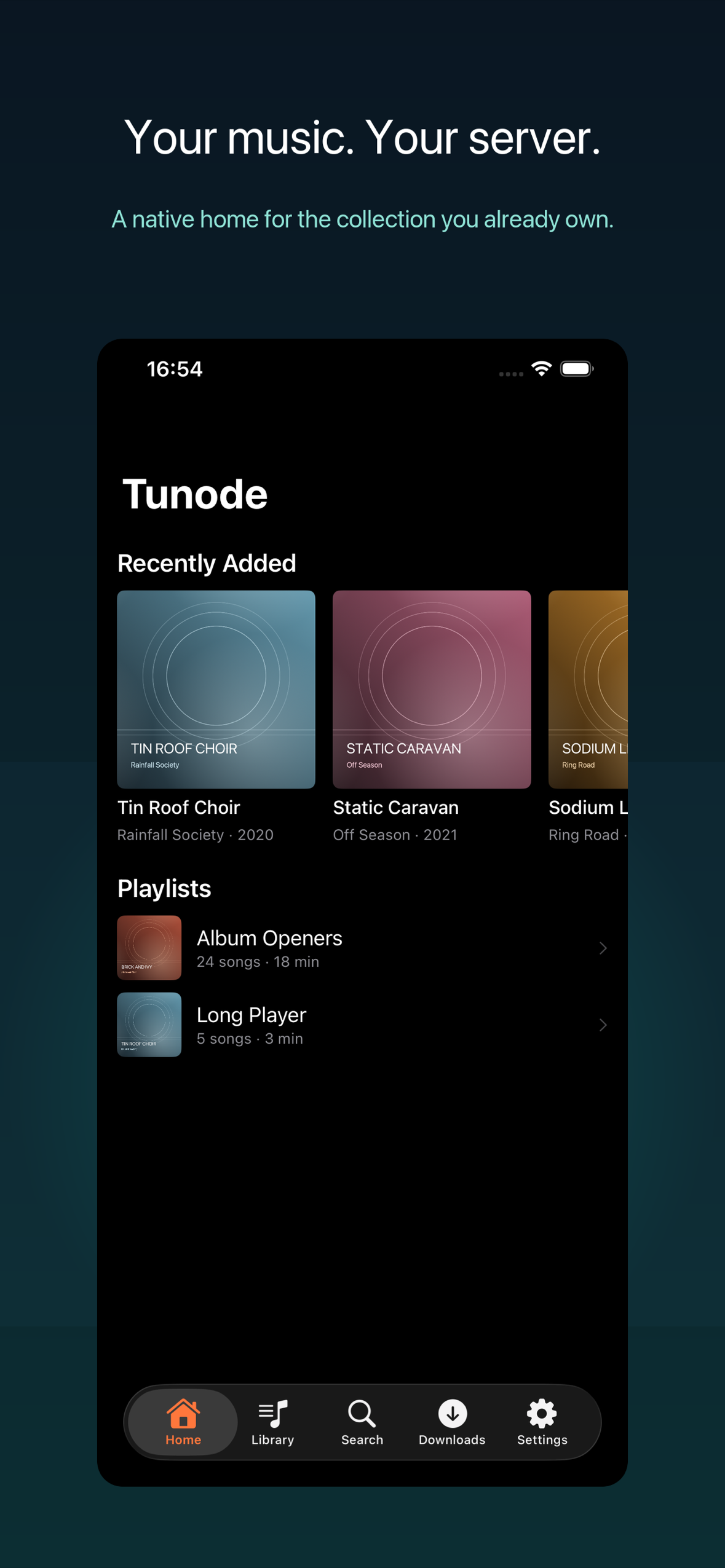
Browse, stream and download music from Navidrome and compatible OpenSubsonic servers on iPhone, iPad and CarPlay.

Turn screenshots, photographs and barcode images into Apple Wallet passes on iPhone.
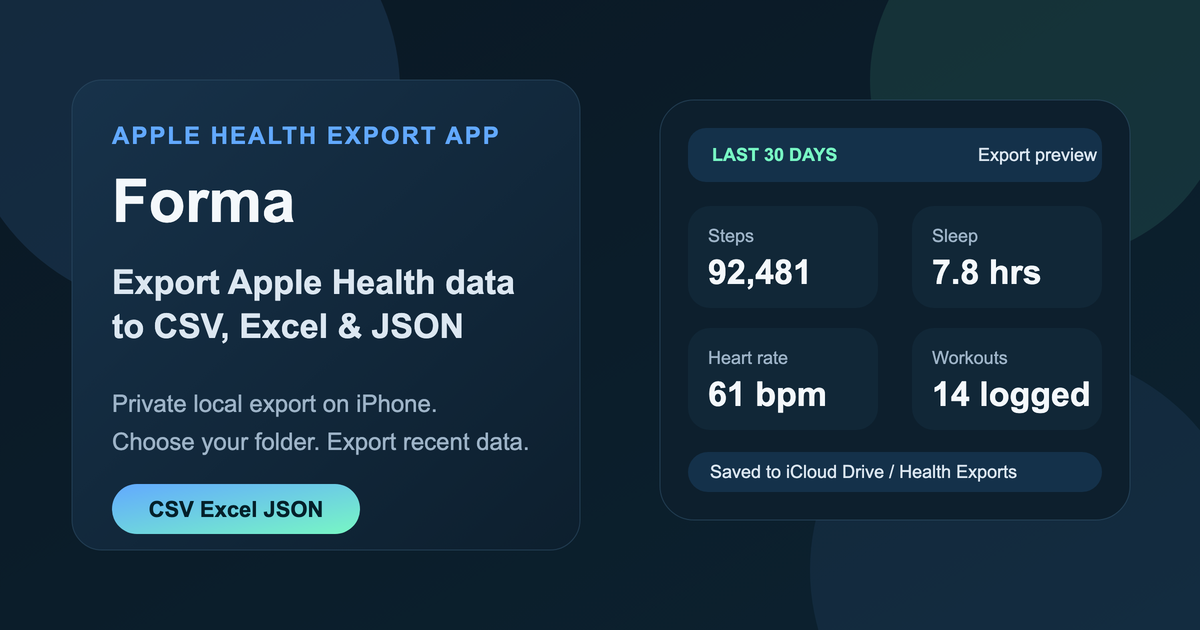
Export supported Apple Health data to CSV, Excel or JSON on iPhone.
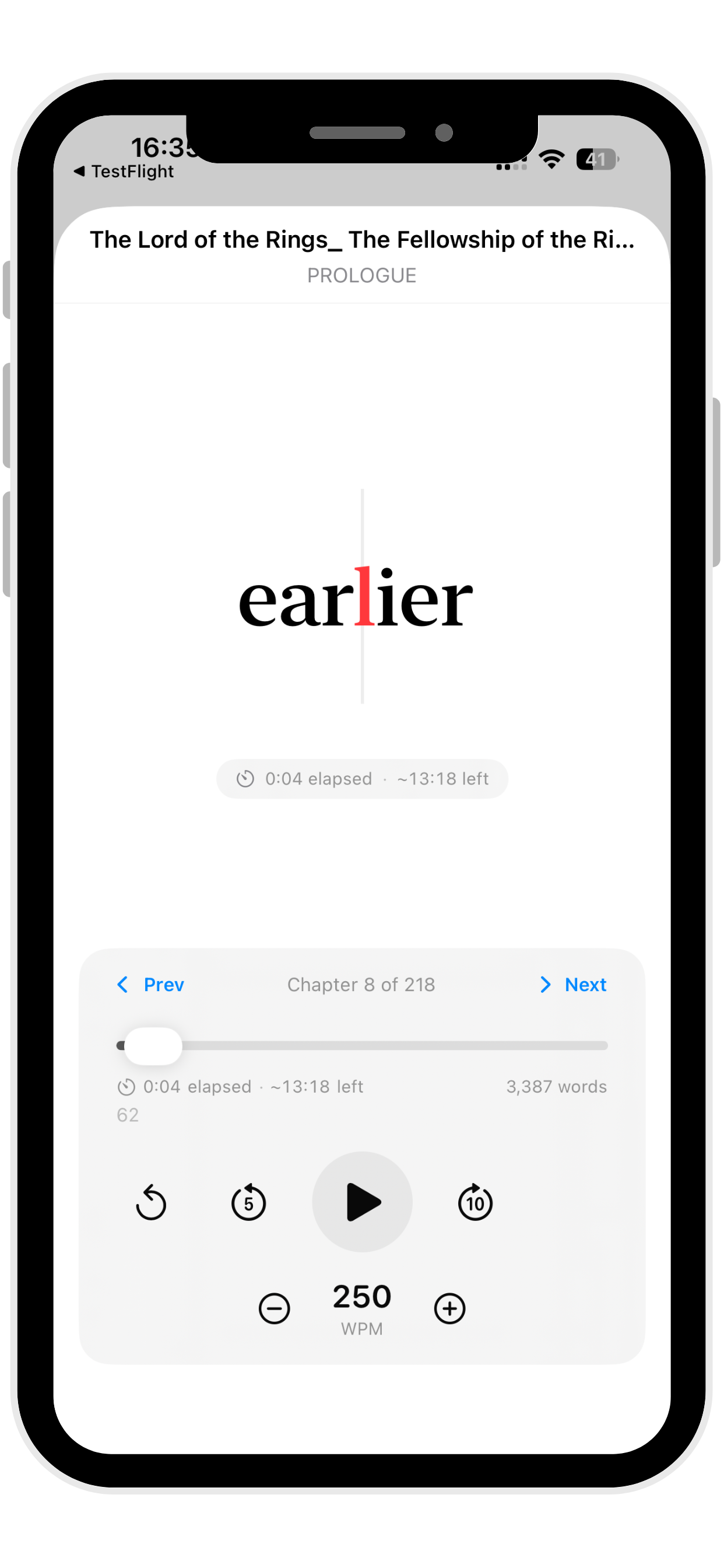
Read imported text on iPhone, iPad and Mac with adjustable speed and attention-aware eye tracking on supported devices.
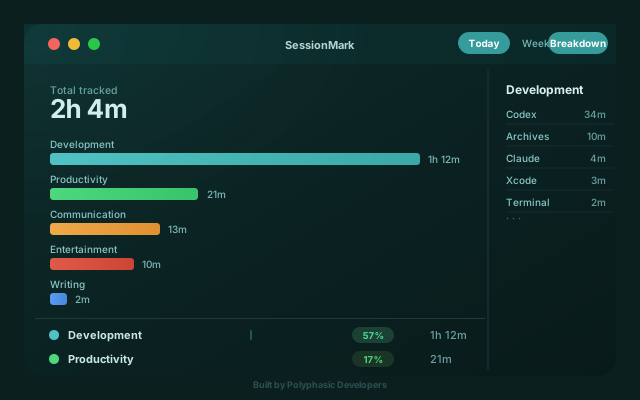
Track apps, websites and work sessions automatically on Mac, with local-first data and no timers to start.
These guides cover tasks that can be completed with Img2Wallet and Apple Wallet.
Scan in and out from Apple Watch without carrying a phone or plastic membership card during a workout.
Read guideConvert a barcode image on your iPhone into a proper Apple Wallet pass without copying numbers by hand.
Read guidePut a gym barcode in Wallet so it is ready at the door without opening the gym app.
Read guideMove a plastic card, email barcode or rewards app screenshot into Apple Wallet.
Read guideThe support page routes app questions by product and explains what details to include.