Navidrome music player for iPhone, iPad and CarPlay.
Tunode is a native iPhone, iPad and CarPlay player that streams and downloads music from your own Navidrome or OpenSubsonic server. It connects straight to the library you already own, without asking you to rebuild it somewhere else.
Your music. Your server. Everywhere. Stream your collection, download albums for offline listening and follow time-synced lyrics. All music features are free, with ads and an optional lifetime Remove Ads purchase.
Requires iOS or iPadOS 17 or later and your own Navidrome or compatible OpenSubsonic server. No music or hosting included.
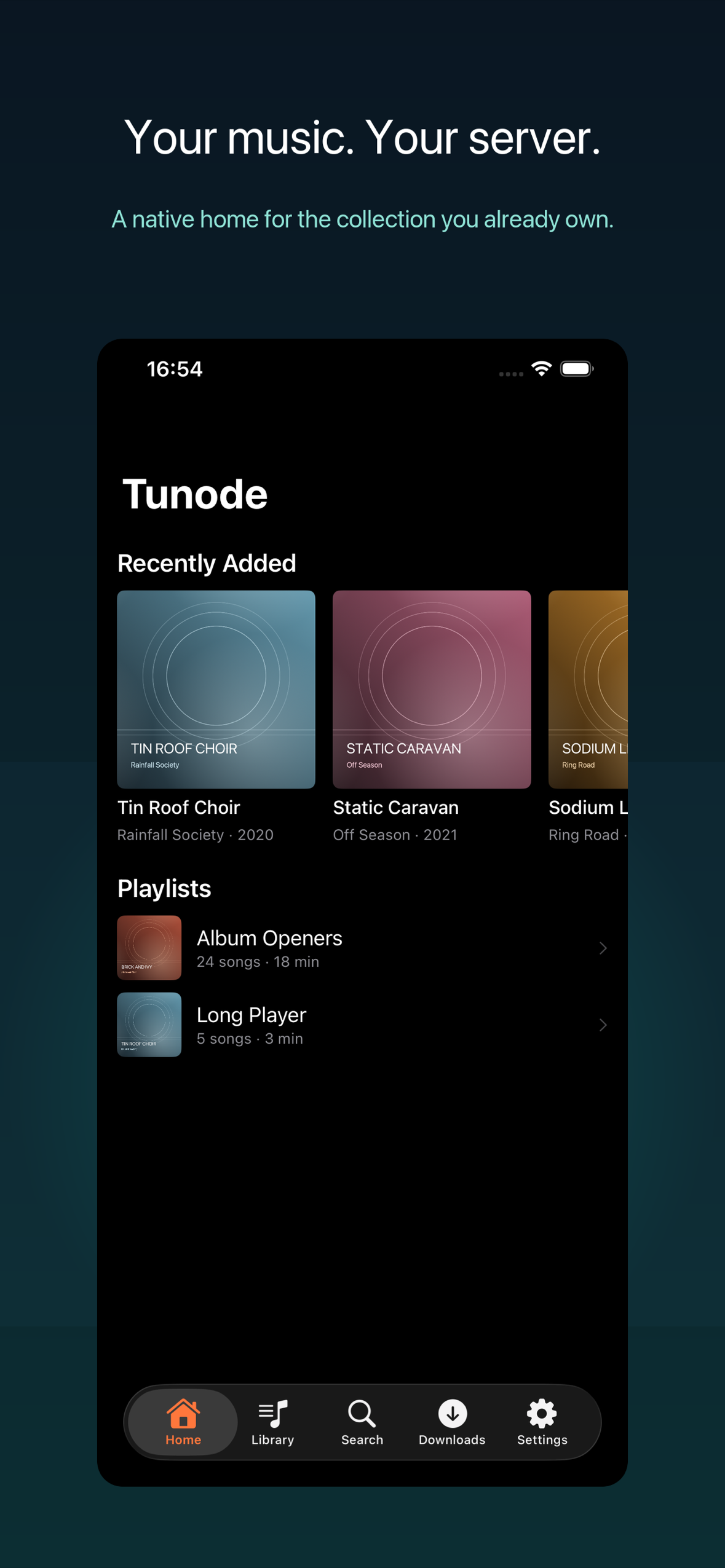
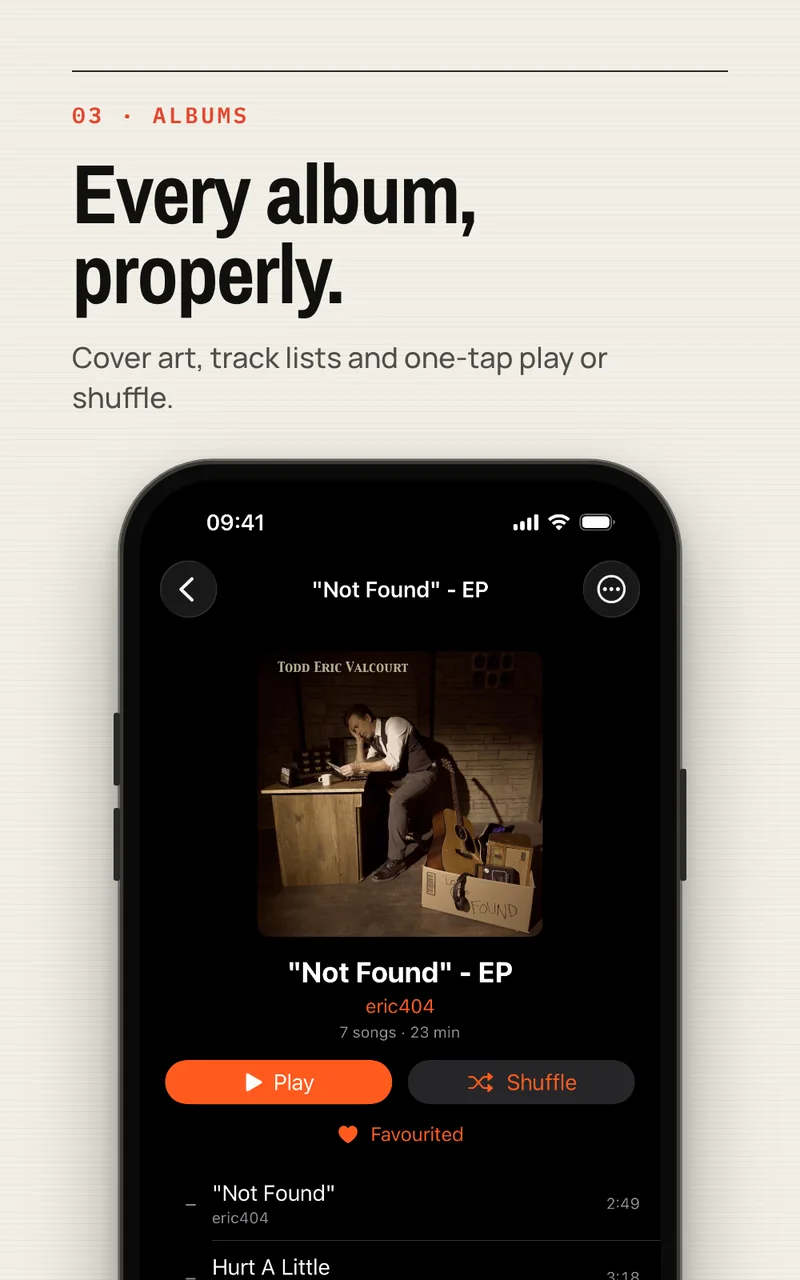
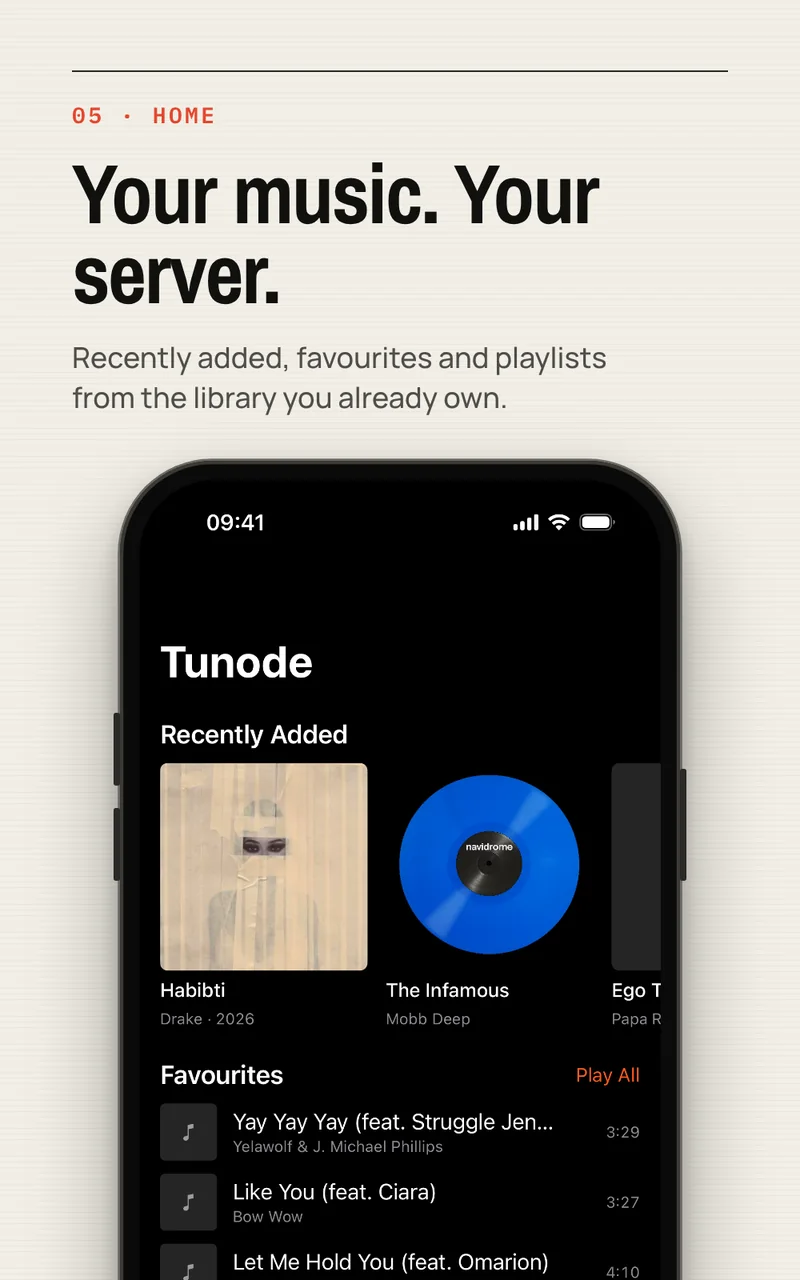
Your albums and playlists, on your iPhone. App Store screenshot with demonstration music.
Navidrome / OpenSubsonic / Offline downloads / Synced lyrics / Auto DJ / CarPlay
Screenshots
Your own server, in a proper music app.
Real Tunode screens, playing from a real Navidrome library.
The idea
You already own the library. The app should respect that.
Self-hosting keeps your music library on a server you choose. Tunode connects that library to iPhone, iPad and CarPlay for browsing, search, playback and downloads.
Enter your server details, then browse and play the library already held there. Tunode does not provide music, media or server hosting.
“Your music. Your server. Everywhere.”
Tunode, by Polyphasic Developers
Inside Tunode
Play your collection. Take it offline.
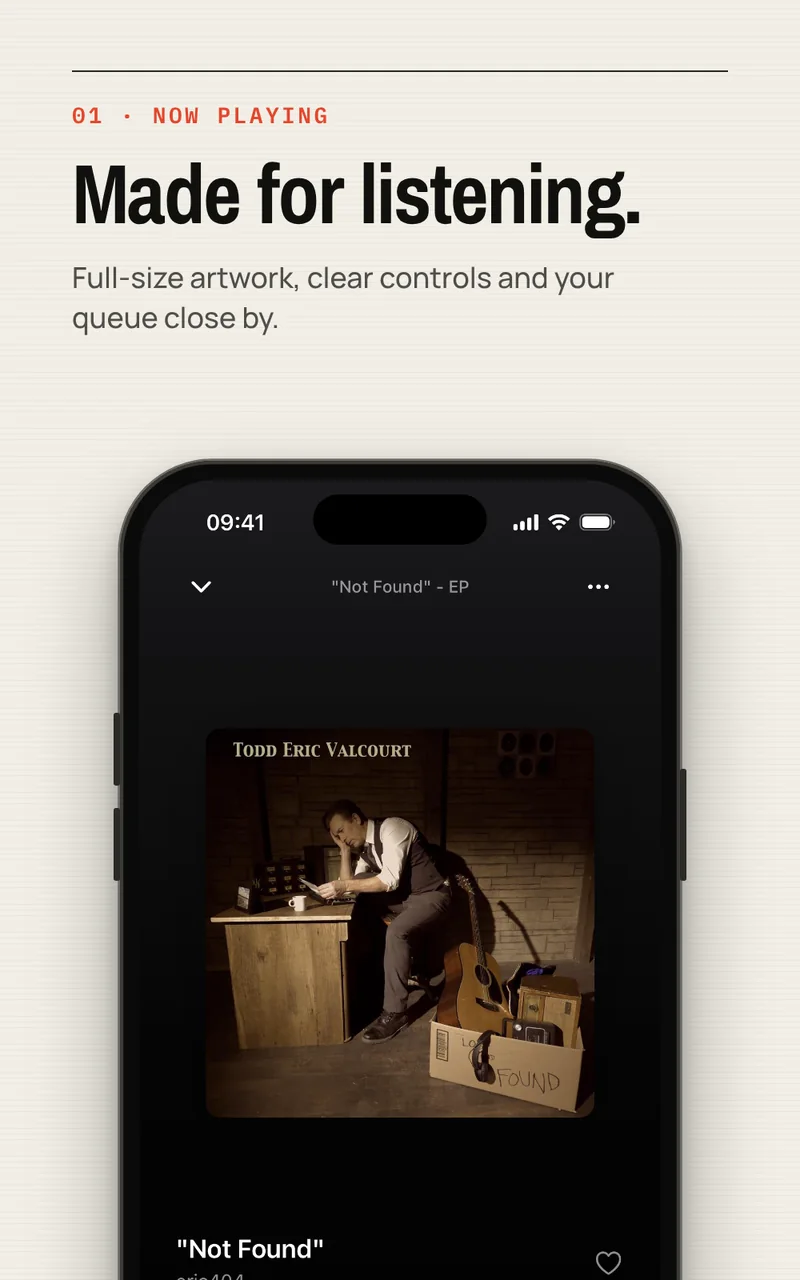
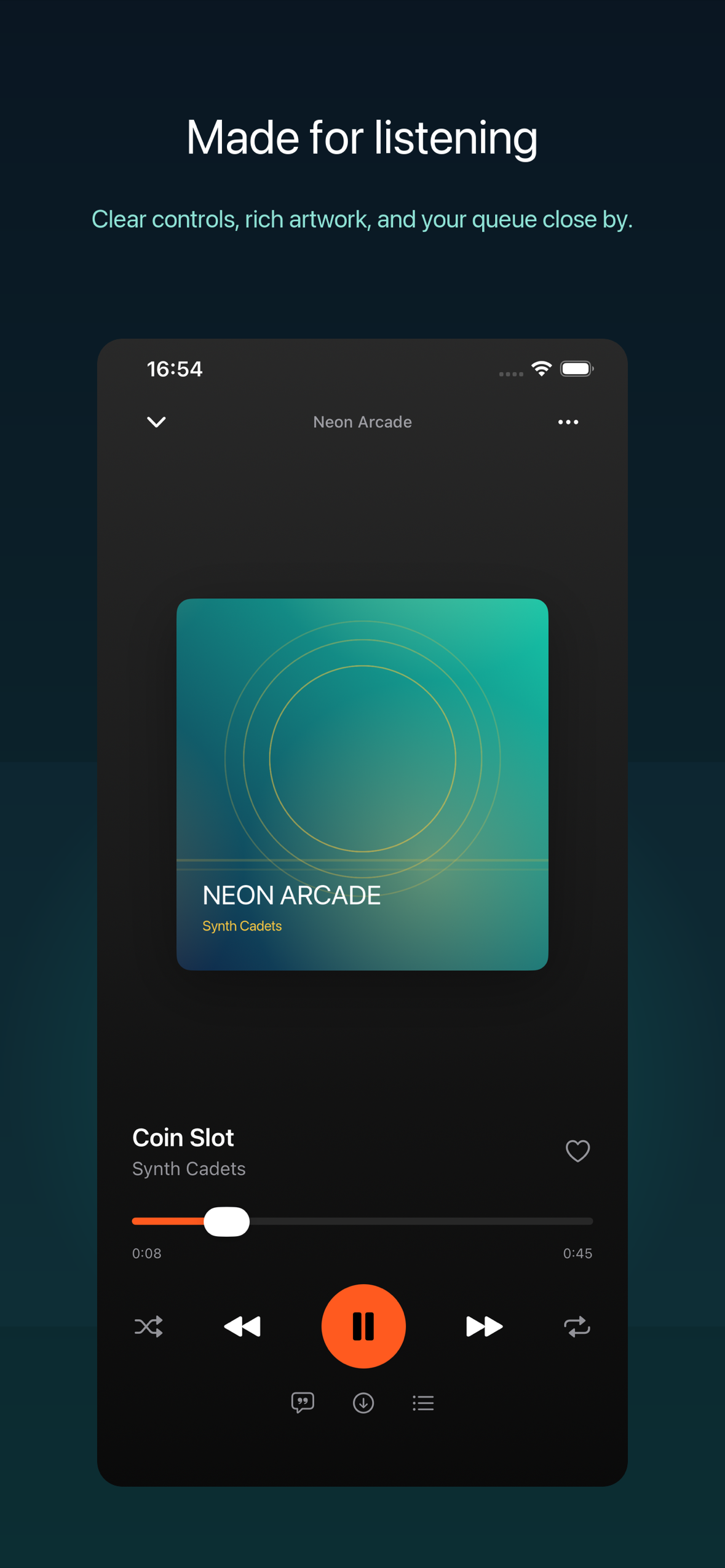
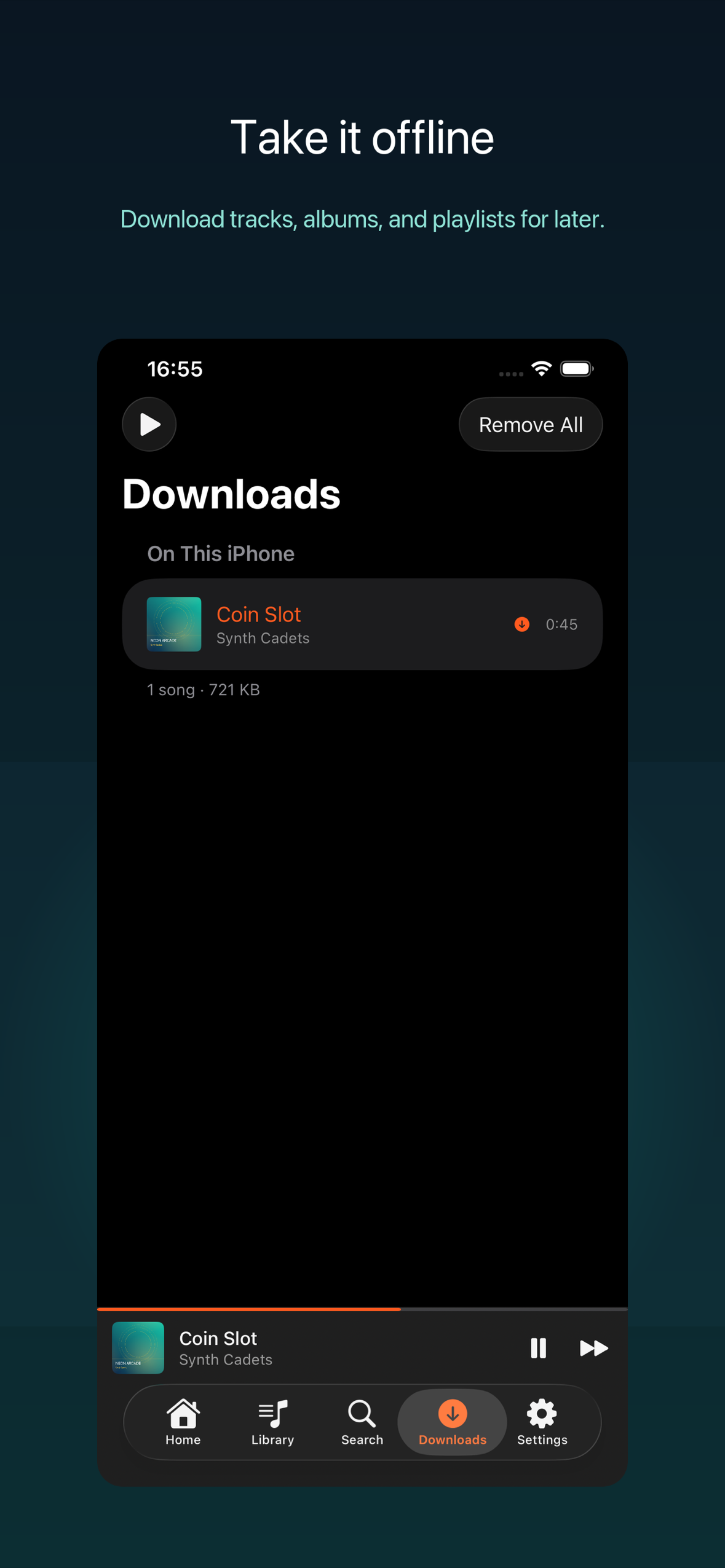
Browse your server, keep the queue close and save music for journeys without a signal. These App Store screenshots show demonstration music.
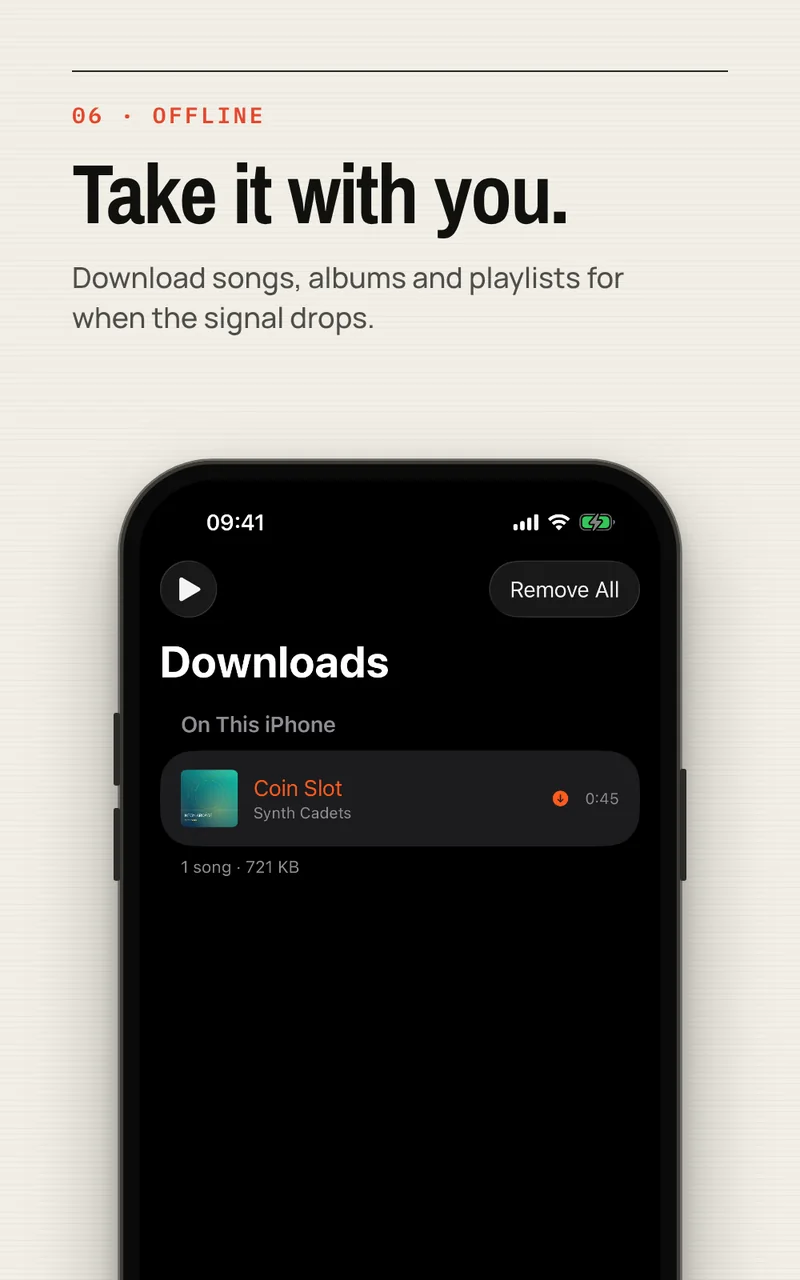
Now Playing. Your artwork, playback controls and queue in one place.Offline downloads. See the music saved on this iPhone and the storage it uses.
Features
Browse, search, download and play.
Everything below runs against your own server, on iPhone, iPad and CarPlay.
Listen your way
Browse and play your whole collection.
Browse albums, artists, playlists and favourites, with search across artists, albums and songs on your server.
Shuffle, repeat and an easy-to-manage queue
Lock Screen and Control Center playback
Home surfaces favourites, recently added albums and playlists
Offline, on your terms
Take the library with you.
Download a track, an album or an entire playlist. When a local copy exists, Tunode plays it automatically instead of streaming.
Original-quality copies kept on device
Downloads play automatically when available
Downloads and storage use listed in one place
Lyrics that move
Follow every line, in time.
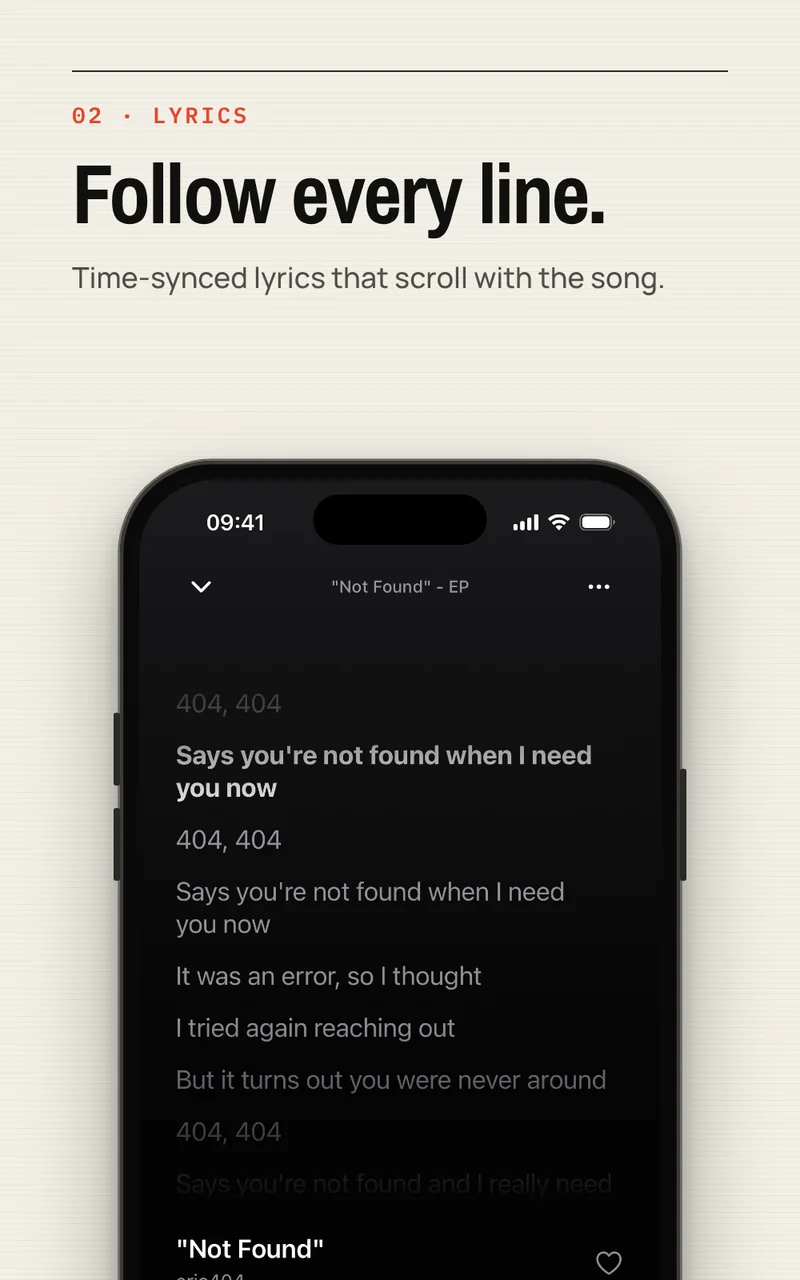
Time-synced lyrics scroll with the track, and tapping any line jumps playback to that moment. Tunode uses your server's lyrics first, with an LRCLIB fallback when a track has none.
Auto DJ
Keep the music moving.
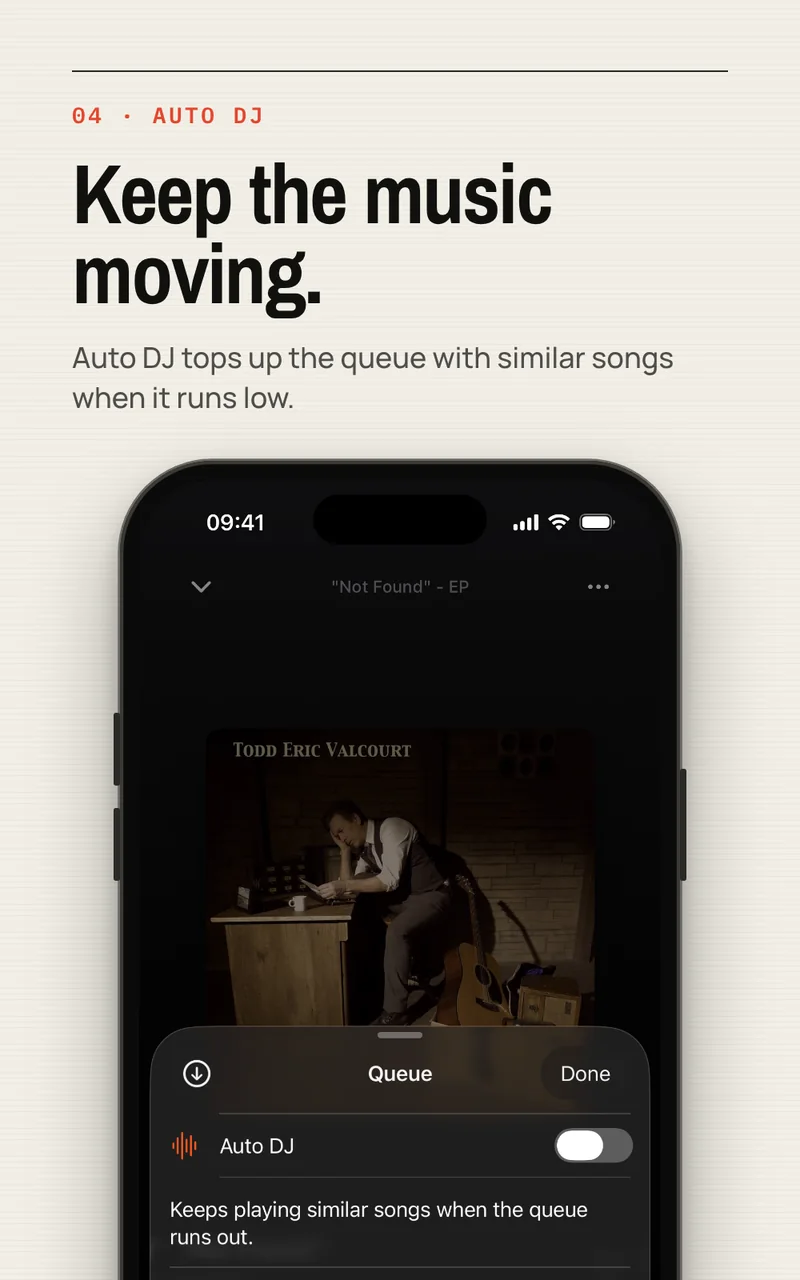
Turn on Auto DJ and Tunode extends the queue with related tracks from your own library as it runs low. Discovery without leaving your collection, and without an algorithm deciding what you should own next.
Made for the road
Listen to Navidrome with CarPlay.
Tunode includes a native CarPlay audio experience, so your self-hosted library behaves like any other music app on the dashboard.
Browse albums, playlists and downloads from the car screen, use the familiar system Now Playing controls, and keep playback running in the background as you move between apps. Downloads matter here: a car park with no signal should not end the album.
Setup is a one-time thing. After that Tunode gets out of the way.
Connect
Enter your Navidrome or OpenSubsonic server address and sign in once.
Browse
Your albums, artists, playlists and favourites appear, ready to search and play.
Download
Keep the albums and playlists you actually listen to on the device, at original quality.
Listen
Stream, play offline, follow the lyrics, and carry it into CarPlay.
What you need
Requirements.
Tunode requires access to a Navidrome or compatible OpenSubsonic music server. Tunode does not provide music, media or server hosting. You are responsible for the content available through your server.
An iPhone or iPad
A Navidrome or OpenSubsonic-compatible server you can reach
Your own account on that server
A CarPlay-equipped vehicle, for the in-car experience
Price
Free. No subscription.
Tunode is free to download and use, supported by banner and full-screen ads. An optional lifetime Remove Ads purchase removes all advertising permanently. There is no subscription.
The free app includes the same music features whether or not you buy Remove Ads.
Advertising may involve consent and tracking choices. See the Tunode privacy policy for details.
Check the address, account details and whether your phone can reach the server on its current network. A home-only address will not work when you leave that network.
For a home server, check Tunode's local-network permission. For access over the internet, use HTTPS or a properly configured private connection. Do not share your server password in a support request.
Yes. Tunode is a client, not a music service. It needs a Navidrome or compatible OpenSubsonic server that you control. Tunode does not provide music, media or hosting, and the content available through your server is your responsibility.
Which servers does it work with?
Tunode is built for Navidrome and works with servers implementing the OpenSubsonic API. Available features depend on the API features your server implements.
Can I listen without a connection?
Yes. Download tracks, albums or complete playlists at original quality. Tunode plays the local file automatically whenever one exists, and shows your downloads and storage use in one place.
Where do the lyrics come from?
Your server first. When a track has no lyrics stored, Tunode can request a matching lyric from LRCLIB using the track metadata. Synced lyrics scroll with the music and any line can be tapped to jump there.
What does Auto DJ actually do?
It extends the queue with related tracks from your own library when the queue runs low, so listening continues without you picking the next album. Everything it plays is music you already have.
How much does Tunode cost?
Tunode is free and supported by ads. An optional lifetime Remove Ads purchase removes all advertising permanently. There is no subscription.