
Journal › Apple Wallet
Use a gym membership pass on Apple Watch
The useful part of putting a gym barcode in Apple Wallet showed up at the entrance: the pass was already on the paired Apple Watch, ready to scan.
The useful part of putting a gym barcode in Apple Wallet showed up at the entrance: the pass was already on the paired Apple Watch, ready to scan.
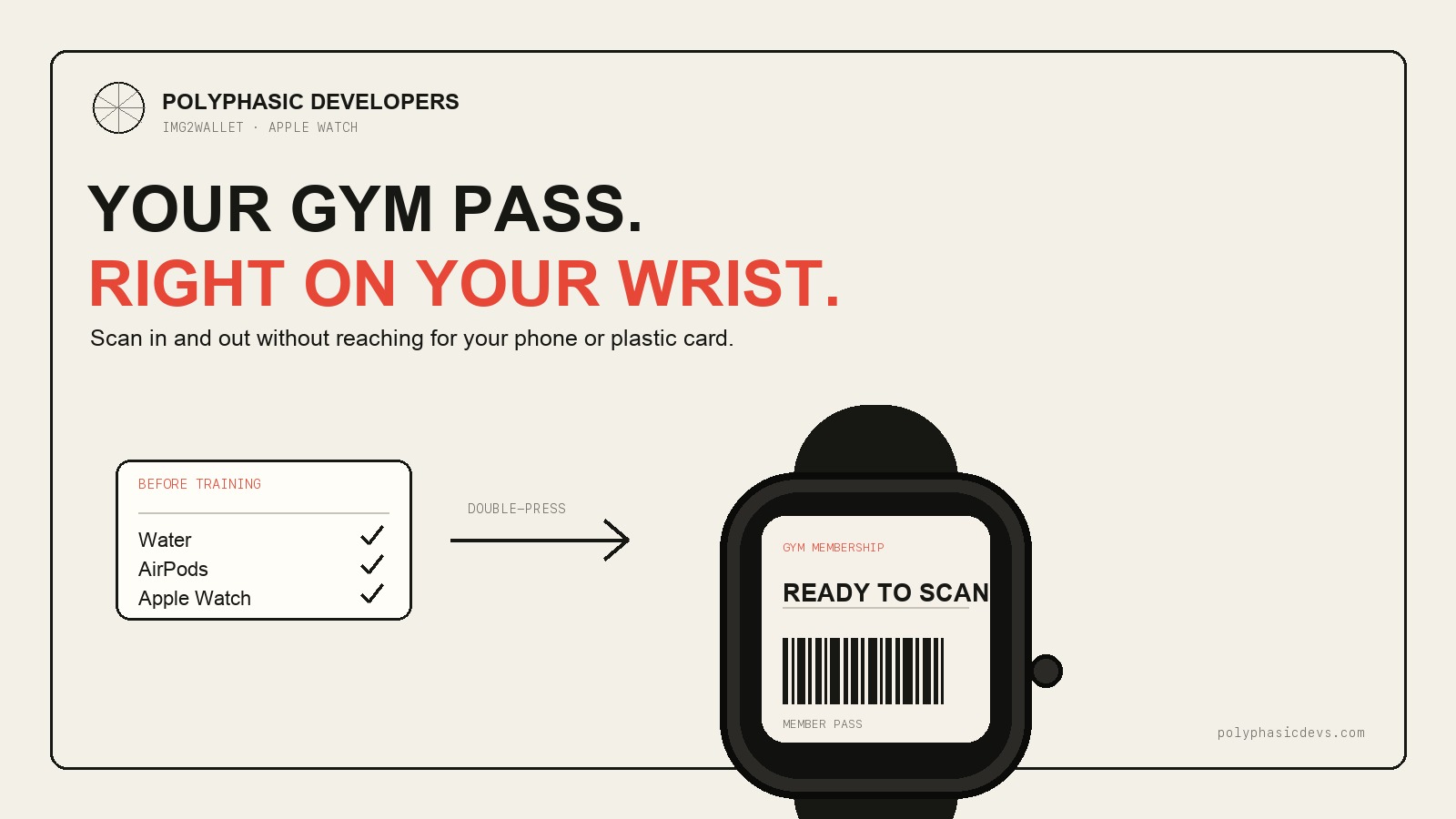
James had already turned his gym membership barcode into an Apple Wallet pass with Img2Wallet. At the gym, he reached for the iPhone he normally used at the scanner and realised he did not need it. The same pass was sitting in Wallet on his paired Apple Watch.
A double-press opened Wallet. The barcode scanned at the entrance, then again on the way out. For that session, the full kit was water, AirPods and Apple Watch. No plastic membership card, and no phone to carry around or handle between exercises.
That is a small change. It is also the point of putting the membership into Wallet rather than saving another screenshot.
Img2Wallet converts a barcode image into a native Apple Wallet pass. Once the pass is in Wallet, it can follow the user to a paired Apple Watch when Wallet syncing is available, just like other passes.
The iPhone remains the place where the pass is created. The watch becomes the convenient place to use it. Open the Wallet app or double-press the side button, select the gym pass and hold the displayed barcode under the scanner.
Img2Wallet is already helping people leave plastic membership cards behind. The Apple Watch makes that more useful at a gym, where carrying a phone purely to get through the door is hard to justify.
If the membership is not already in Apple Wallet, follow the full guide to adding a gym membership to Apple Wallet. The short version is:
Apple Wallet in iOS 27 includes Create a Pass. Its automatic photo and screenshot route requires supported Apple Intelligence hardware. Img2Wallet is an alternative for iPhones running iOS 17 or later and does not require Apple Intelligence or an account.
You should not need to create a second pass for the watch. If it does not appear, check that the watch is paired to the same iPhone and that Wallet syncing is available.
Apple Wallet can display the pass correctly and the gym scanner can still reject it. The scanner needs to accept the barcode format, size and brightness shown on the watch display.
Some access systems use a barcode that changes every few seconds. Others expect NFC or a credential held inside the gym's own app. A static screenshot cannot reproduce either system. Membership rules may also prohibit copying the credential.
Screen size can matter too. A scanner that reads the pass easily from an iPhone may struggle with the smaller watch display. Try it once before leaving the phone or plastic card behind. If the scanner does not read it, use the iPhone pass or the gym's original method rather than repeatedly holding up the queue. Nobody's workout needs that sort of opening act.
Keep the pass near the front of Wallet if several cards are installed. At the scanner, select it before placing the watch under the reader. Moving the wrist around usually makes scanning harder, so hold the display steady and follow the scanner's normal distance.
The benefit is not dramatic technology. It is one less thing to remember, carry and put somewhere safe while training. The barcode is where the gym access pass should have been in the first place: on the device already attached to your wrist.
A pass added to Apple Wallet can appear on a paired Apple Watch when Wallet syncing is available. Open the Wallet app on the watch and check that the pass is there before relying on it.
Yes, if the gym scanner can read the barcode format and size shown on the watch display. Test it while you still have the original card or phone available.
No. Rotating barcodes, NFC-only access systems and some scanners may not accept a copied barcode or may struggle with a smaller display. The gym's rules still apply.
Create the pass on iPhone, add it to Apple Wallet and check it on the paired Apple Watch before your next visit.