
Journal › Apple Wallet
How to add a loyalty or gift card to Apple Wallet
If a shop's card or voucher does not offer its own Add to Apple Wallet button, you can create a native pass from the barcode in a photo, email or app screenshot.
If a shop's card or voucher does not offer its own Add to Apple Wallet button, you can create a native pass from the barcode in a photo, email or app screenshot.
Quick answer: save a clear image of the card's barcode, import it into Img2Wallet, check the detected code and add the generated pass to Apple Wallet.
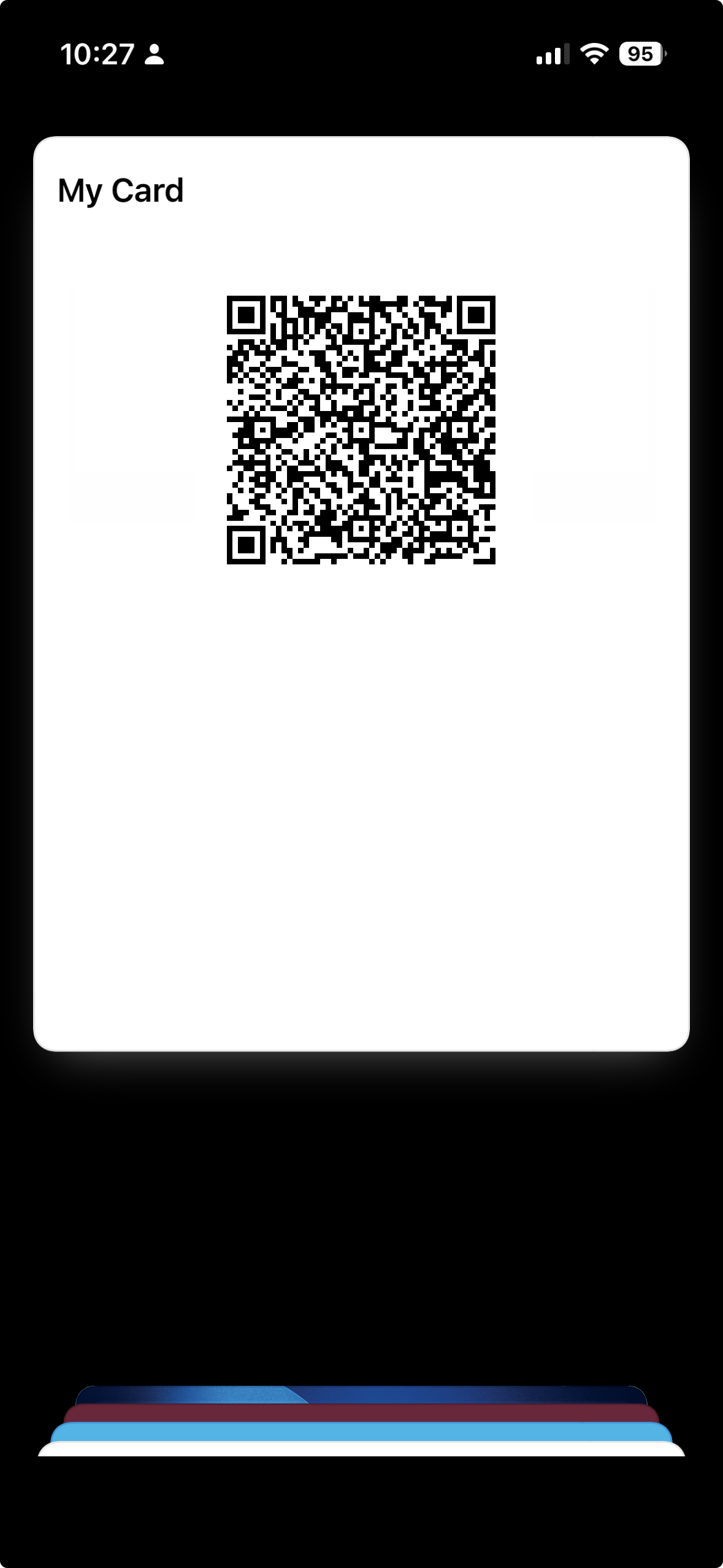
The Wallet pass preserves the detected scannable code and the name you give it. It does not connect to the retailer's account, refresh balances or reproduce a rotating security code. Keep the original retailer app if you need points history, offers or live balances.
Img2Wallet's free tier permits two saved passes. A single lifetime purchase removes all ads and unlocks unlimited passes.