
Journal › Apple Wallet
How to add a gym membership to Apple Wallet
If your gym makes you open a slow membership app at the door, turn its barcode into a native Apple Wallet pass. It will be ready from the lock screen and can sync to Apple Watch.
If your gym makes you open a slow membership app at the door, turn its barcode into a native Apple Wallet pass. It will be ready from the lock screen and can sync to Apple Watch.
Quick answer: open the gym membership barcode, take a clear screenshot, import it into Img2Wallet and add the generated pass to Apple Wallet.
This works best when the gym uses a static barcode or QR code. If the code visibly changes every few seconds, it may be a rotating security credential and a screenshot-based pass will not remain valid. Always follow the gym's membership rules.
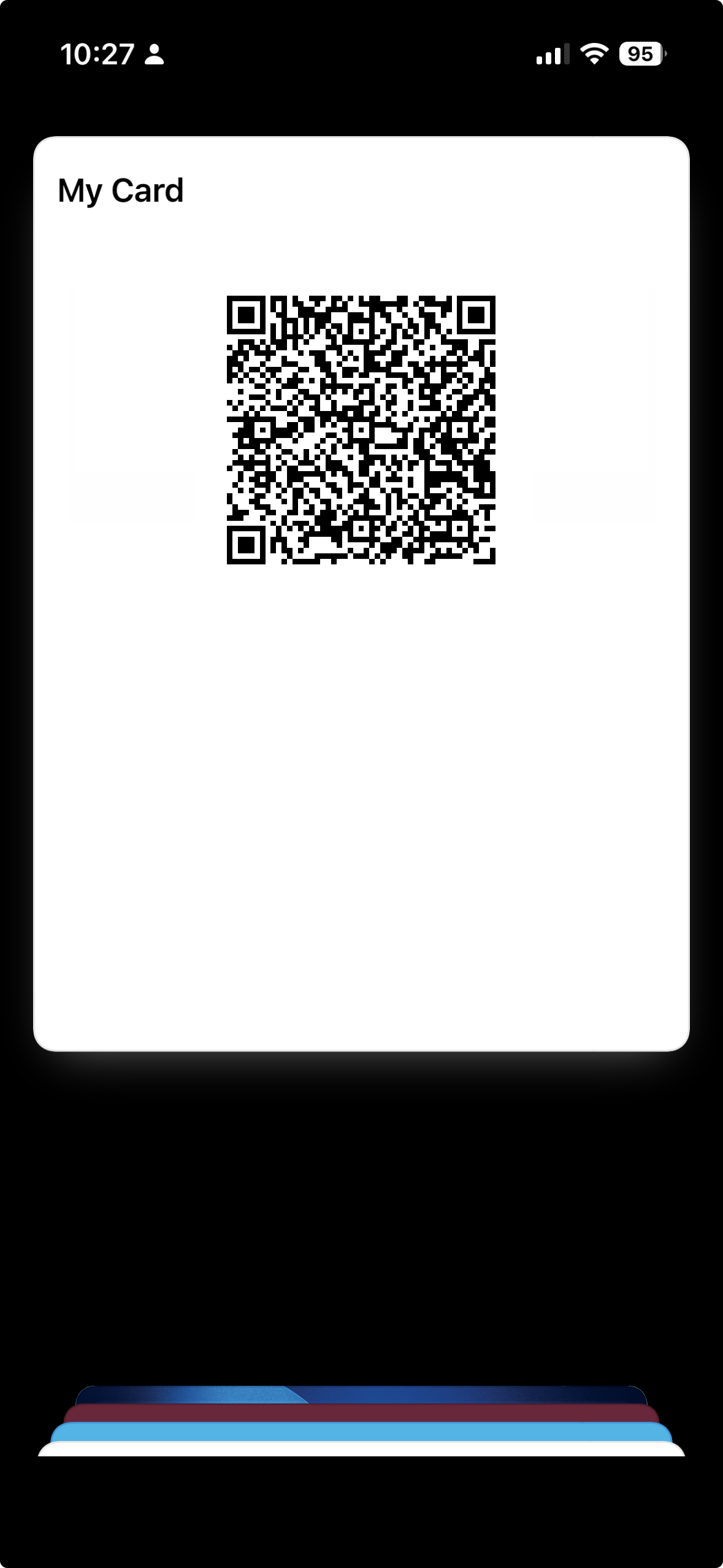
Double-press the side button, select the pass and present its barcode to the scanner. Img2Wallet includes a maximum-brightness option for scanners that struggle with dim screens. A pass added to Wallet also appears on a paired Apple Watch when Wallet syncing is available.
Img2Wallet's free tier permits two saved passes. A single lifetime purchase removes all ads and unlocks unlimited passes.