When your spreadsheet costs more than custom workflow automation
A spreadsheet can run a surprising amount of a business. The trouble usually sits around it: copied figures, hidden rules, approval chases and one experienced employee holding the process together.
Published 6 August 20265 minute readWorkflow Automation
A spreadsheet can hold orders, track approvals, calculate quotes and tell a team what needs attention next.
The trouble usually sits around it.
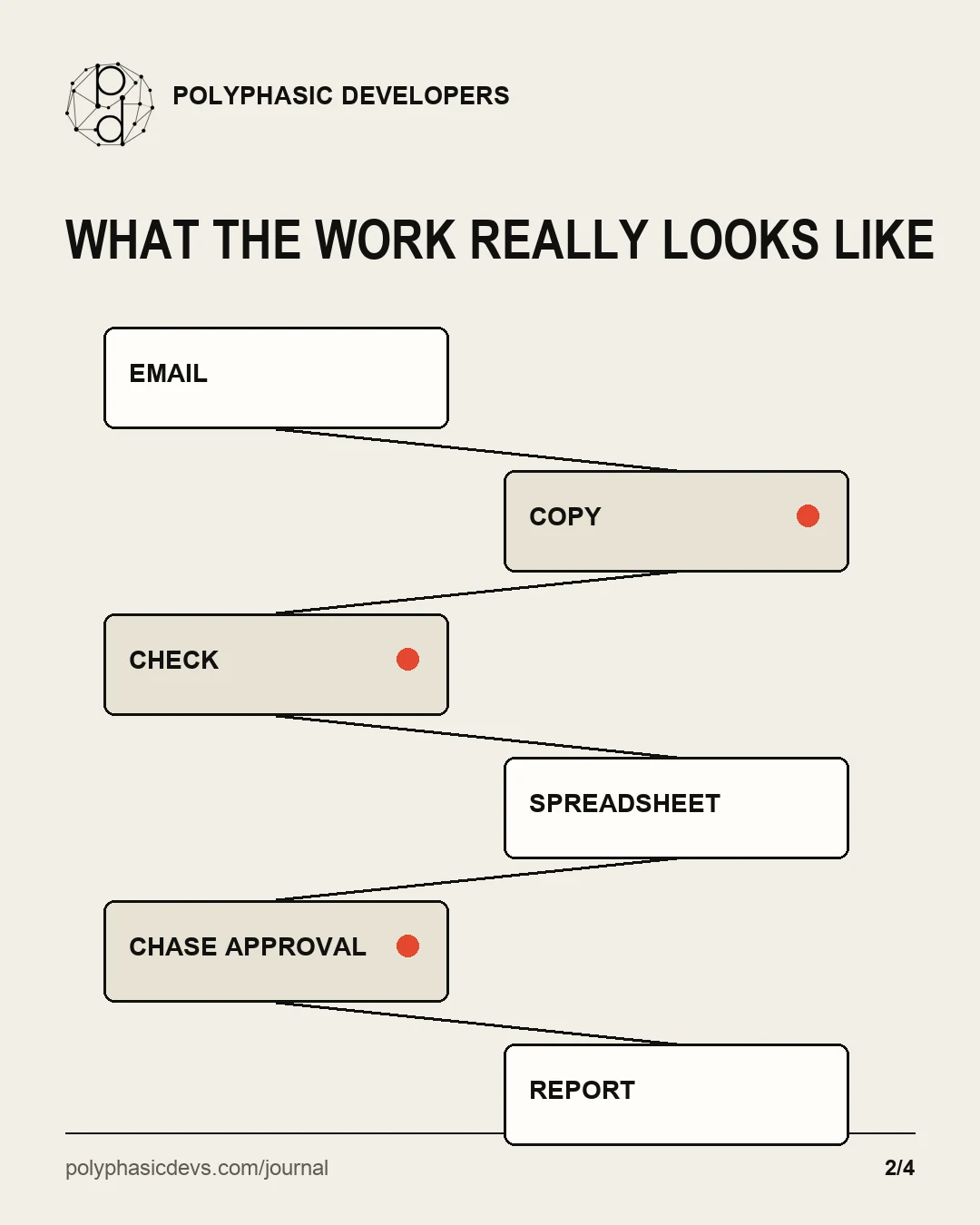
Someone copies figures out of an email. Someone else checks a second system. A manager approves an exception in chat. One experienced employee knows which rows cannot be trusted and fixes them before the weekly report goes out.
The spreadsheet is cheap. The process attached to it may not be.
The spreadsheet is visible. Most of the operating cost sits in the work around it.
The spreadsheet is not the problem
Replacing every spreadsheet with custom software would be a fine way to waste money.
Spreadsheets are useful when a process is small, flexible and understood by the people doing it. They are quick to change and almost everyone can open one. If a standard tool already handles the job well, use that instead of commissioning software.
The case for automation begins when the spreadsheet stops being a tool and becomes the place where people compensate for a broken workflow.
That can happen slowly. A new customer needs a slightly different approval. A second location adds another handover. A supplier sends data in a new format. Each change produces another tab, colour, formula or unwritten rule.
Eventually, the business is relying on the people who know how to interpret the file rather than on the file itself.
Where the cost hides
The visible work is easy to count: the minutes spent entering data or producing a report. The larger cost is often scattered across the rest of the process.
Look for:
information copied between email, spreadsheets and business systems;
work waiting because nobody knows whether the previous step is finished;
corrections caused by an old file, a missed row or a formula pasted incorrectly;
managers interrupted to answer the same exception questions;
reports rebuilt by hand because the source data never quite agrees.
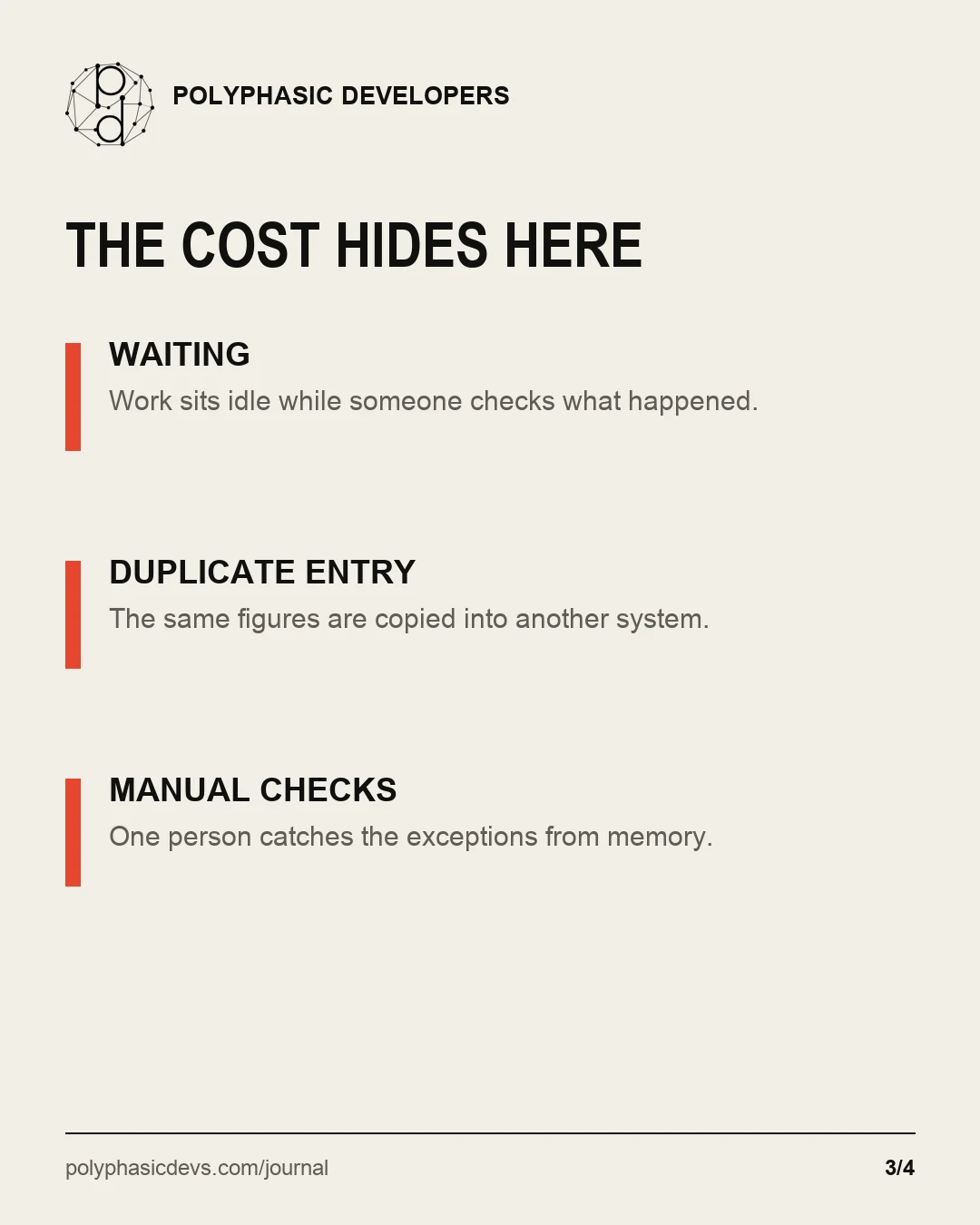
Waiting, duplicate entry and manual checks rarely appear in the software budget.
None of these needs a dramatic failure to be expensive. A process can complete every week and still consume far more attention than it deserves.
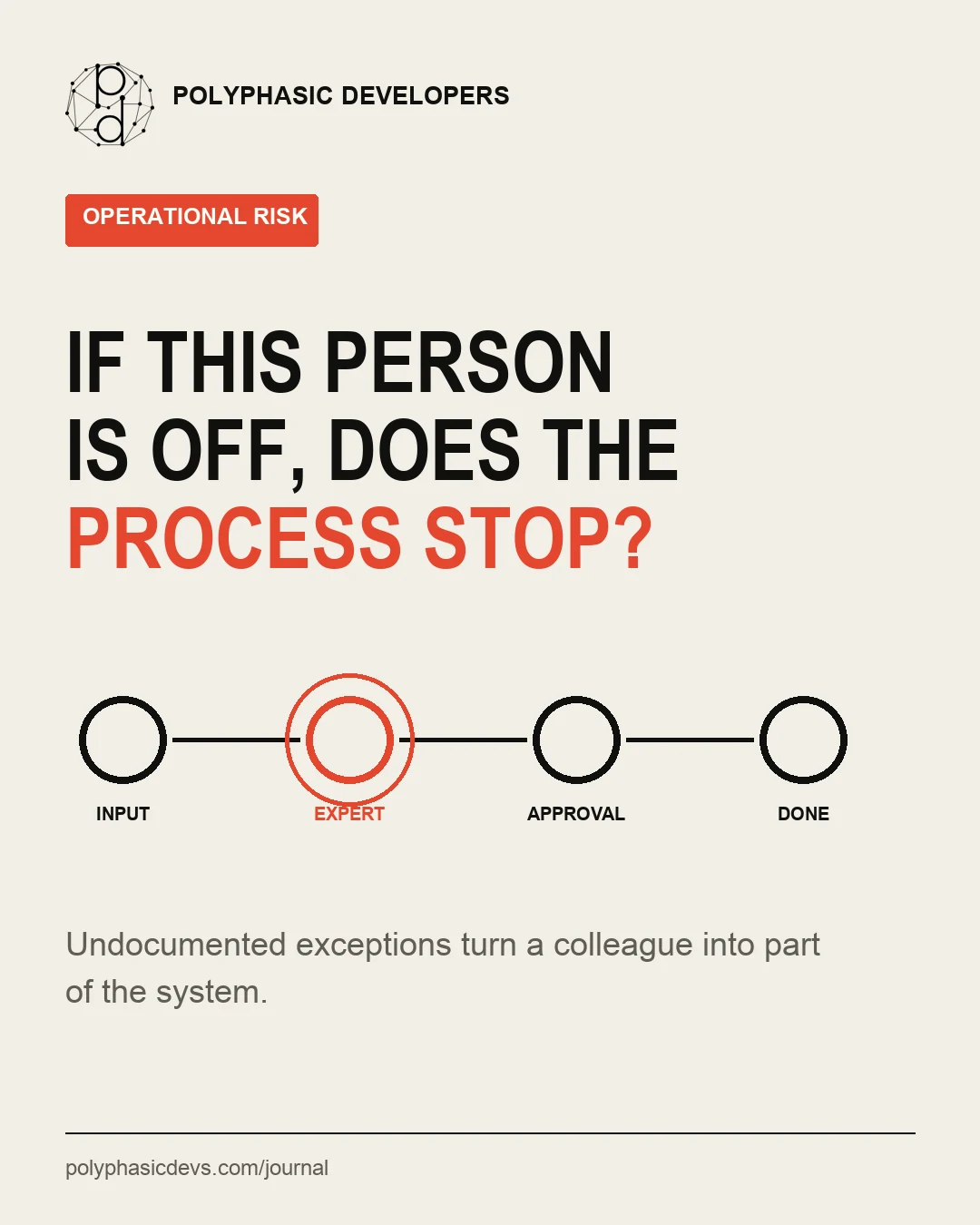
There is also a continuity problem. If one person understands the exceptions, that person has become part of the system. Holidays, illness and ordinary staff turnover become operational risks.
A useful test is simple: what happens when the person who normally fixes the spreadsheet takes Friday off?
If one colleague has to interpret every exception, that colleague has become part of the system.
If the answer is “the team waits”, you do not have a spreadsheet problem. You have a workflow that depends on one person's memory.
Five signs the process has outgrown the spreadsheet
1. People are moving data between systems
A person downloads a CSV, cleans it, copies selected fields into a workbook and then enters the result somewhere else. The work is predictable enough for a checklist but still requires constant attention.
This is often a good automation candidate because the business is paying a person to act as an integration.
A spreadsheet-based process often stretches across email, manual checks, approvals and reporting.
2. The rules live in someone's head
The spreadsheet contains the standard route. The experienced employee knows the real route: which customer needs an extra check, which code is no longer used and when a manager's approval can be skipped.
Software cannot automate rules nobody has described. Mapping those exceptions is valuable even if you decide not to build anything.
3. Status checks take almost as long as the work
Teams chase updates in chat, email or meetings because the spreadsheet does not show a reliable current state. Work is not necessarily slow; finding out where it is can be.
A shared workflow should show what is waiting, who needs to act and what happened before.
4. Small changes feel dangerous
One person can edit the file safely. Everyone else makes a copy first, just in case. Nobody is certain which formulas depend on which tabs, and a new column can break a report several steps later.
That fragility is a maintenance cost, even when it has not yet caused a serious error.
5. Growth means adding more administration
A few more customers, orders or projects should not require the same percentage increase in copying, checking and chasing. If it does, the process is scaling by adding labour.
Automation is worth examining when more business creates more clerical work faster than it creates value.
Measure one process before discussing software
Start with a process that repeats often enough to observe. Follow it from the first input to the final useful result.
Record:
who touches it and what each person does;
how long the hands-on work takes;
how long the work spends waiting;
where people re-enter or reconcile information;
which exceptions need judgement;
what happens when information is missing or wrong.
A useful brief starts with the work people actually do, not a list of features.
Do not turn this into a six-month transformation programme. A few real examples will tell you more than a polished process diagram built from memory.
The aim is to establish a baseline. Without one, claims about return on investment are guesswork. With one, you can compare the cost and risk of the current process with the cost of changing it.
When custom workflow automation is the wrong answer
Custom software is not automatically the next step.
Keep the spreadsheet if the process is occasional, low-risk and easy for another person to understand. Buy an existing product if it handles the work without forcing the business into awkward compromises. Fix the process first if the team changes the rules every week or cannot agree what the result should be.
A useful developer should be willing to tell you that you do not need custom software.
It may also be too early to automate. If most cases need human judgement, the first improvement could be better intake, clearer ownership or a single place to record decisions. Software should remove avoidable work, not hide a confused process behind a new interface.
What useful automation looks like
The best result is rarely a giant system that replaces everything at once.
It may be a small internal tool that takes an order through approval without duplicate entry. It may connect two systems and send exceptions to a person instead of making someone check every record. It may produce a reliable report from source data without the weekly copy-and-paste routine.
Useful workflow software makes the normal route quicker and the unusual route visible. It records what happened. It gives people a clear place to act when judgement is needed.
It should also fit the business you have. A small company does not need an enterprise transformation programme to stop moving the same data between three places.
Start at the awkward handover
If you are considering automation, do not begin with a list of features. Begin with the part of the process people complain about.
Watch the work. Find the repeated handover, the duplicate entry or the queue that nobody can see. Decide what should stay a human decision and what is only administration. Then test a small change with the people who will use it.
Sometimes the answer is a cleaner spreadsheet. Sometimes it is an existing product. Sometimes a focused piece of custom software removes a job that has been quietly consuming several people's attention.
The point is not to get rid of spreadsheets. It is to stop paying people to hold a fragile process together around one.
A process worth fixing?
Start with the copying, checking or chasing.
Polyphasic Developers builds workflow software and integrations for small businesses with expensive manual processes. Tell us what keeps being done by hand and we will tell you whether software is the sensible answer.