
What Makes a Good Capture-the-Flag Game on iPhone?
A good capture-the-flag game makes the objective clear: reach the opposing flag, take it and return it while protecting your own side. On iPhone, clear controls, readable objectives and short feedback loops matter more than visual clutter. The best fit depends on whether you want quick action, tactical movement or a game you can learn over several rounds.
Last updated: 12 November 2026.
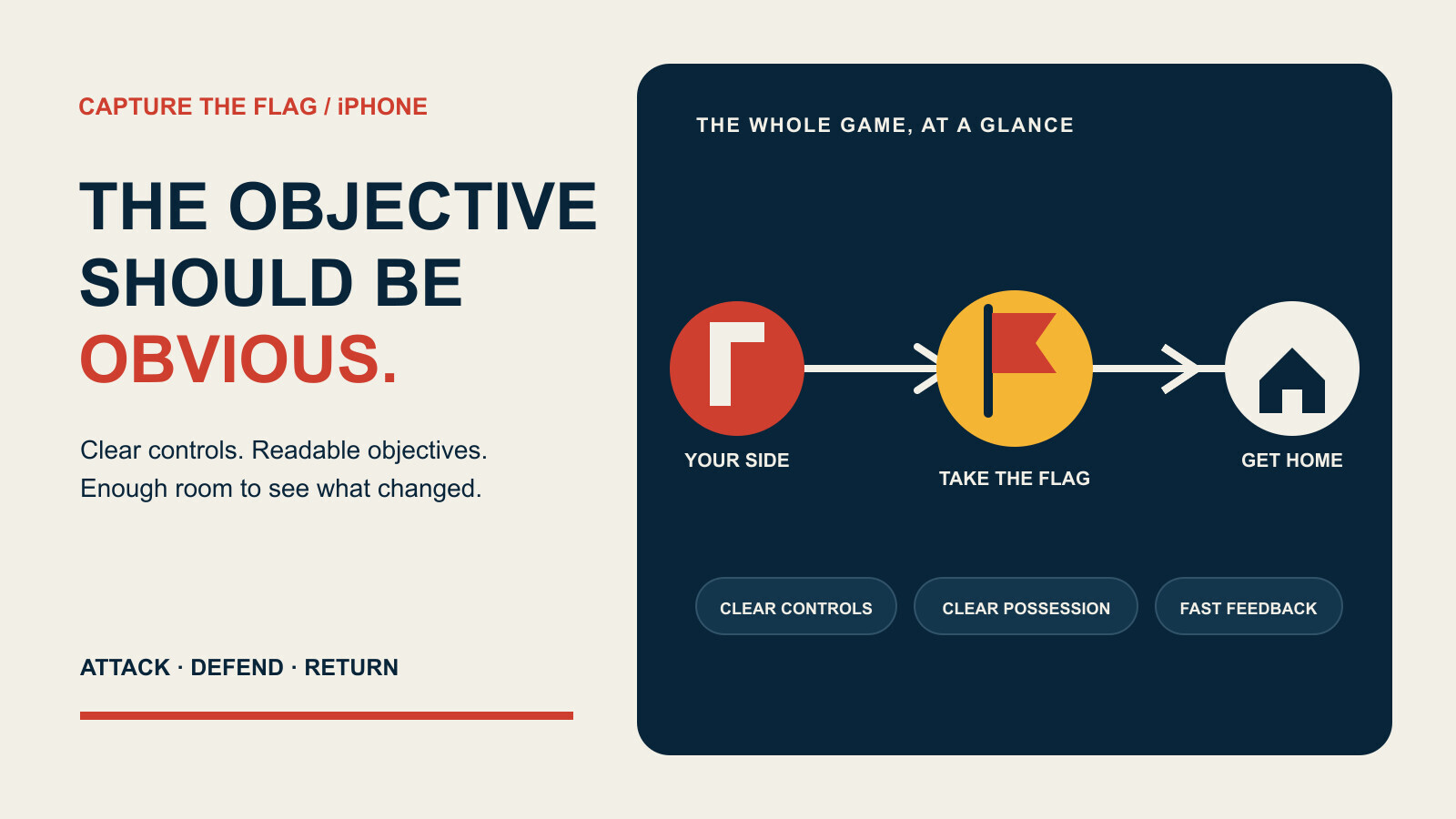
The short version: you should understand the objective before you understand every weapon, route or rule. Good phone controls stay out of the way, flag possession is impossible to miss, and losing teaches you something useful for the next attempt. That keeps a round readable before you know every rule.
What is a capture-the-flag game?
Capture the flag is an objective-based game format. One side tries to reach the opposing flag, take it and return it to a scoring or home area. At the same time, that side has to protect its own objective. The tension comes from doing both jobs with the same limited attention.
That basic idea can sit inside very different games. Some put the emphasis on movement and quick reactions. Others make route choice, timing and defence more important. A flag might return automatically, require a player action or follow another rule entirely. The useful definition is the shared objective, not a claim that every game handles it in exactly the same way.
The format works because the goal is concrete. “Win the fight” can be vague. “Bring that object back here” gives every move a reason. It also creates natural decisions: keep pushing, turn back to defend, help the carrier or take another route.
What makes capture the flag work on iPhone?
Controls that do not cover the game
An iPhone screen has little room for a map, movement controls, action buttons, status information and the game itself. A useful interface gives the player's thumbs somewhere predictable to go without hiding the route ahead. Buttons should be distinct enough to use by feel after a few rounds, but not so large that the battlefield becomes a letterbox.
More controls are not automatically better. If the game needs a small instruction manual just to cross the map, the phone is doing too much work. Context-sensitive actions, consistent placement and a sensible pause state usually matter more than squeezing another button into the corner.
Objectives you can read at a glance
The two important locations should be easy to identify: the flag you are trying to reach and the place you need to return to. A map marker can help, but the world itself should still provide direction. Colour, shape, distance and movement can reinforce one another instead of leaving a tiny icon to carry the whole job.
Possession needs equally clear treatment. When a flag changes hands, the player should know who has it and what to do next. That feedback might come from the carrier, the map, the interface or a combination of them. The method can vary; ambiguity should not.
Feedback that explains the round
Fast games can still be fair. The important bit is whether the game tells you what changed. If the opposing side takes a flag, a route opens or your defence fails, the player needs enough information to connect cause and effect.
A good loss suggests a next attempt: defend earlier, take a different path or stop chasing the wrong target. A bad loss looks like noise. On a small screen, effects and notifications should point to the decision rather than bury it.
Which capture-the-flag style suits you?
Fast arcade action suits players who want short decisions and quick restarts. Look for responsive movement, immediate flag feedback and rounds that get to the objective without a long setup.
Tactical movement puts more weight on routes, timing and the balance between attack and defence. The map needs to remain readable enough that a mistake feels like your decision, not something hidden beyond the edge of the screen.
Solo play lets you learn without depending on another person being available. Play with another person adds coordination and unpredictability. Neither is inherently the better version of capture the flag. The right choice is the one that matches when, where and with whom you expect to play.
Store screenshots can give you an early clue. Check whether you can find the main objective, identify the controls and understand what the interface is saying before you install. A busy screenshot is not proof of a bad game, but it is a fair reason to look more closely.
How should you judge an iPhone capture-the-flag game?
- Find both objectives. Can you identify the flag and the return point quickly, without reading a wall of text?
- Check possession. When the flag moves, can you tell who has it and whether you should attack or defend?
- Look around the controls. Is enough of the action visible when both thumbs are on the screen?
- Read the result. Does a failed round explain enough for you to change the next attempt?
- Match the pace. Does the game give you the quick action or deliberate route planning you actually want?
Do not let a feature list do all the judging. A modest game with clear rules can be more satisfying than a crowded one that keeps adding systems before the objective works. The flag is the point. Everything else should help you understand how to reach it, take it or stop someone else doing the same.
Where does FlagFall fit?
FlagFall is Polyphasic Developers' capture-the-flag game. A public Apple beta is available through TestFlight. Apple and Android releases are upcoming with no announced launch dates, and the PC version is in development.
This guide deliberately avoids turning a genre explanation into a feature list. For the current development position, read the FlagFall platform update. The November product roundup covers the other software we are shipping, and the apps page is the current collection in one place.
How can you try FlagFall?
Use the public FlagFall TestFlight invitation. TestFlight shows the current device requirements and whether a beta build is available, so treat that invitation as the live source rather than an old screenshot or post.
The beta and launch are free and ad-free. That describes the beta and launch; it is not a permanent promise about future monetisation.
Frequently asked questions
What is a capture-the-flag game?
A capture-the-flag game asks you to reach the opposing flag, take it and return it to your side while protecting your own objective. Exact rules vary between games.
What makes a capture-the-flag game good on iPhone?
Clear controls, visible objectives and immediate feedback matter most. You should be able to tell where to go, who has the flag and why a round changed without fighting the interface.
Are capture-the-flag games always multiplayer?
No. The format can work against computer-controlled opponents, with another person or in a game that offers both. Check the listing for the modes in a particular game.
How do you choose a capture-the-flag game for a phone?
Look for readable screenshots, controls that leave room for the action, clear possession feedback and rounds that help you understand what happened. Then choose the pace and play style you prefer.
Can I try FlagFall now?
Yes. FlagFall has a public Apple TestFlight invitation. Use that invitation for the current device requirements and beta availability.
Is FlagFall free?
The FlagFall beta and launch are free and ad-free. That describes the beta and launch, not a permanent promise about future monetisation.