
A second screen for your Mac, already in your pocket
extend2Duo turns iPhone Duo into a genuine additional display for a Mac. The Mac companion creates another desktop, the iPhone displays it over the local network, and you keep using the Mac keyboard and mouse. It is not a mirror of the main screen.
20 November 2026 · App development · 7 minute read
See extend2Duo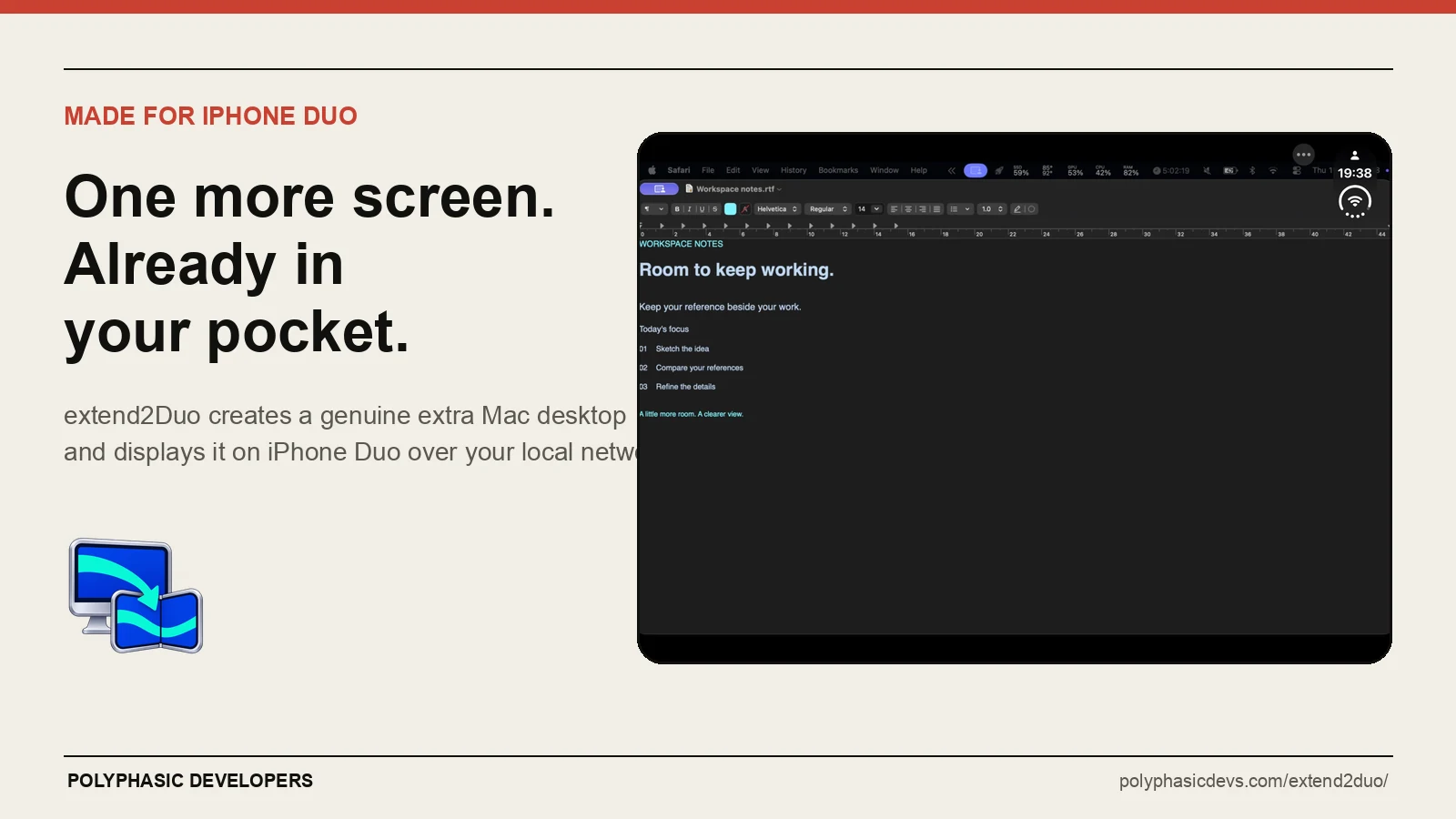
The app came from a fairly ordinary irritation: I wanted another screen beside my Mac, but I did not want another monitor on the desk or another subscription for something I could build myself.
The useful screen was already sitting next to the computer.
What does extend2Duo do?
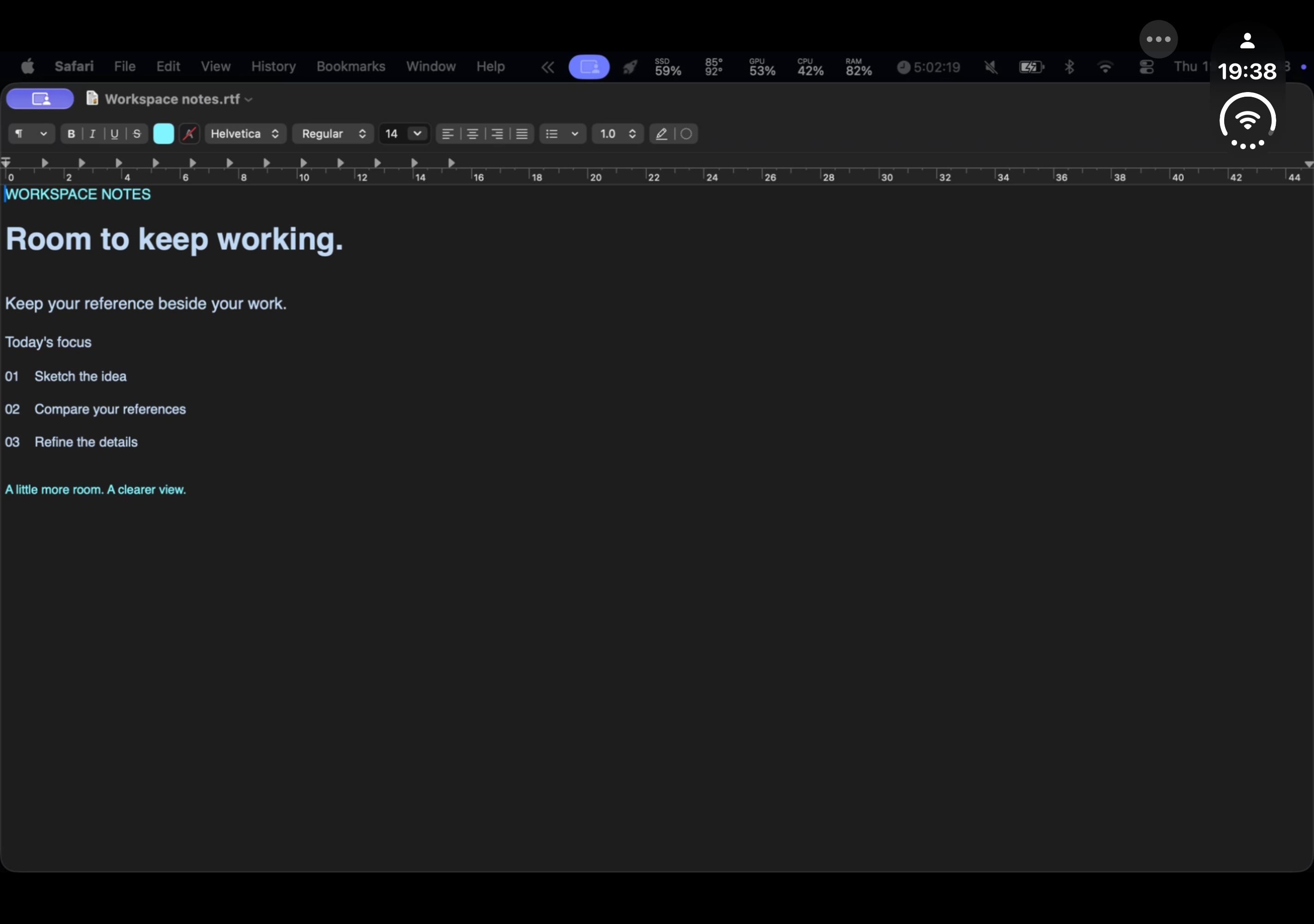
Install the free Mac companion, start hosting and pair the iPhone by scanning a code. Once the Mac approves it, a new display appears in macOS. You can drag an ordinary Mac window onto it just as you would with a physical monitor.
That distinction matters. Mirroring gives you another copy of the same screen. extend2Duo gives you more desktop space.
A reference document can stay open on the phone while the main display holds the work. The same goes for notes, a browser page, a checklist or any other window that is useful to glance at but does not deserve half the Mac screen.
The iPhone is the display, not a remote control. Input stays with the Mac keyboard and mouse. Pinch-to-zoom changes the local view on the phone; it does not send touch input back to macOS.
Why build it for iPhone Duo?
A normal phone can show a supporting window, but the unfolded iPhone Duo has enough width to make the idea considerably more useful.
extend2Duo has two ways to handle the changing screen:
- Stable desktop size keeps the Mac workspace at the same dimensions while the phone folds or rotates. Windows stay where you put them.
- Match screen changes the extra desktop to fit the phone's current viewport.
Both modes keep the session running through fold and rotation changes. Unfold the phone when you want more room, or close it when a smaller reference view is enough.
The app has been tested on a physical iPhone Duo through inner and outer orientations. It kept the same session while the device folded and rotated, rather than treating each change as a reason to start again.
Does the Mac screen go through a cloud service?
No. The desktop picture travels directly between the paired devices over an encrypted connection on the local network. Polyphasic Developers does not operate an extend2Duo screen-storage service, and there is no extend2Duo account to create.
The trade-off is simple: release 1 is for devices on the same local network. It does not advertise remote access over the internet or a USB connection. Guest networks that prevent devices from talking to each other may also prevent a connection.
What is free?
Every second-screen feature is free, including the quality settings and session duration. The Mac companion is also free.
The iPhone app shows banner ads on disconnected screens and may show a full-screen ad after a completed session. Ads do not cover the live desktop, a paused session or a reconnecting session. A one-off Remove Ads purchase removes advertising and unlocks no extra features.
That is deliberate. Paying should remove the advertising, not make the actual app useful.
What does release 1 not do?
It does not stream Mac audio. It does not turn the iPhone touchscreen into Mac input. It is not Apple Sidecar, and it does not claim to be.
Longer locks, background periods or network interruptions can remove the extra display and move its windows back to another Mac display. Short interruptions can resume the existing session, but release 1 does not pretend that every network behaves perfectly.
The requirements are iOS 27 or later, macOS 27 or later, the free Mac companion and a local network that allows communication between the devices.
When is extend2Duo available?
Version 1.0 was submitted to Apple on 19 November 2026 and is currently waiting for review. Manual release is selected, so approval will not make the app public without a final release check.
The product page and free notarised Mac companion are already live. The App Store button will be updated once the iPhone listing is genuinely available.
See extend2Duo and download the Mac companion.
FAQ
Can iPhone Duo be a second screen for a Mac?
Yes. extend2Duo creates an additional desktop on a compatible Mac and displays it on a paired iPhone Duo over the local network. The free Mac companion is required.
Does extend2Duo mirror the main Mac display?
No. It creates a separate desktop where you can move Mac windows.
Can I control the Mac by touching iPhone Duo?
No. Release 1 is view-only. Use the Mac keyboard and mouse to control windows on the additional display.
Does extend2Duo stream sound?
No. Release 1 carries the desktop picture only.
Does it work away from home?
Release 1 is designed for a local network. Remote internet access is not an advertised feature.
Is extend2Duo free?
All second-screen features are free. The iPhone app includes advertising away from the live desktop, with an optional one-off purchase to remove ads. The Mac companion is free.