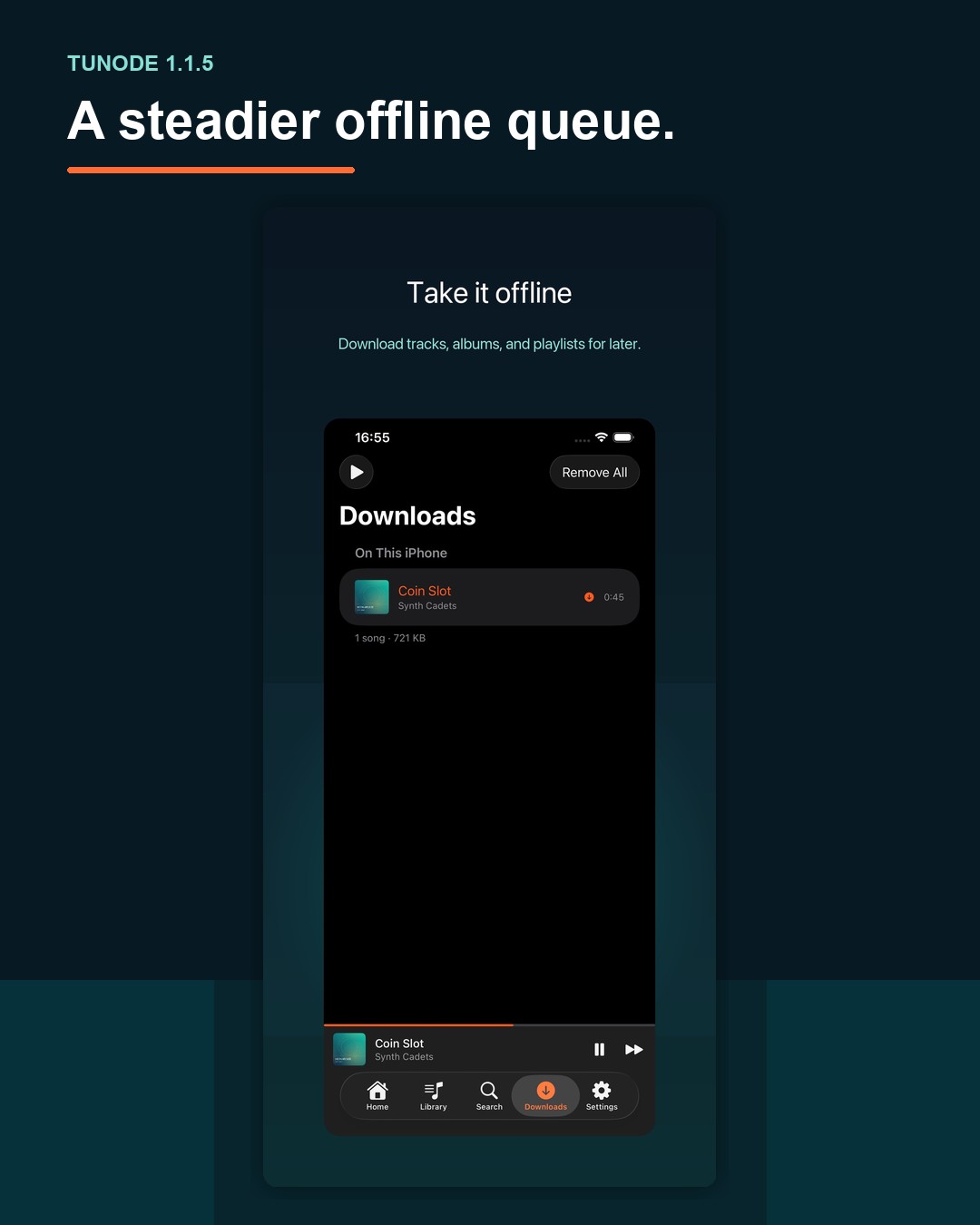
Release summary: Update to Tunode 1.1.5 if the app has crashed while opening an album or the Downloads tab, or if your offline queue has not behaved reliably. The update is available from the App Store.
Music software is at its best when there is little to say about it. You open what you need, press play and carry on. A crash at the point where you open an album or check Downloads rather ruins that arrangement.
This release does not add a new screen or ask you to learn another workflow. It fixes a crash around two existing screens and improves the reliability of offline queues.
A crash affecting album details is fixed
Apple's release notes say that Tunode 1.1.5 fixes a crash when opening album details. They do not narrow that down to a particular album, server or sequence of taps, so neither will we.
After updating, return to the album you meant to open and try the same action again. If Tunode still closes, note the album, what you tapped immediately before it happened and whether you can repeat it. Those details separate the fixed problem from a different one that merely looks similar.
The useful distinction is between a fix and a promise. This release fixes the crash recorded in its release notes. It does not make the rather heroic claim that no album screen can ever encounter another bug.
The same crash fix covers Downloads
The release notes also name Downloads as a place where the crash could occur. Version 1.1.5 contains the fix for that route as well.
Open Downloads after the update and check the music you expect to use away from your normal connection. If the screen stays open, continue with the offline check below. If it closes, record whether it happened immediately or after another action and report that distinction.
It is tempting to assume that every failure around the same screen has one cause. Software is rarely that considerate. A short, repeatable account of what happened is more useful than saying only that Downloads is broken.
Offline queues are more reliable
Apple's release notes also record improved offline queue reliability. They do not claim a new queue feature or describe a changed control. The work is about making the existing offline queue behave more reliably.
Test the behaviour you actually depend on. Prepare music for offline use, disconnect from the server and let more than one item play. Try the controls you normally use rather than designing an elaborate test that bears no resemblance to listening.
Do that before a long journey, not after it begins. The point is not to admire a test plan. It is to find out, while you can still reconnect, whether the music you prepared behaves as expected.
How to update Tunode
- Open Tunode on the App Store.
- Choose Update if it appears. If the page shows Open, your device may already have the current version.
- Open Tunode and return to the album, Downloads screen or offline queue you were using.
- Before a journey, check more than one item with the server connection unavailable.
Automatic updates can install the release without any action from you. The App Store page is the simplest place to check whether an update is still waiting.
Tunode 1.1.5 questions
What does Tunode 1.1.5 fix?
It fixes a crash when opening album details or Downloads and improves offline queue reliability.
Do I need to download my music again?
The release notes do not require a fresh download. Update the app, check your completed downloads and test playback without a connection before relying on them for a journey.
Where can I get Tunode 1.1.5?
Get the update from the App Store. New to the app? Read the connection guide, then use the offline download guide to prepare music for later.